Tested 2025-12-07 16:12:55 using Chrome 142.0.7444.59 (runtime settings).
| Metric | Value |
|---|---|
| Page metrics | |
| Performance Score | 73 |
| Total Page Transfer Size | 871.1 KB |
| Requests | 58 |
| Timing metrics | |
| TTFB [median] | 491 ms |
| First Paint [median] | 1.072 s |
| Fully Loaded [median] | 10.485 s |
| Google Web Vitals | |
| TTFB [median] | 491 ms |
| First Contentful Paint (FCP) [median] | 1.072 s |
| Largest Contentful Paint (LCP) [median] | 1.072 s |
| Cumulative Layout Shift (CLS) [median] | 0.15 |
| Interaction To Next Paint (INP) [median] | 560 ms |
| Total Blocking Time [median] | 369 ms |
| Max Potential FID [median] | 281 ms |
| CPU metrics | |
| CPU long tasks [median] | 5 |
| CPU longest task duration | 302 ms |
| CPU last long task happens at | 9.642 s |
| Visual Metrics | |
| First Visual Change [median] | 1.066 s |
| Speed Index [median] | 3.118 s |
| Visual Complete 85% [median] | 10.833 s |
| Visual Complete 99% [median] | 12.933 s |
| Last Visual Change [median] | 13.900 s |
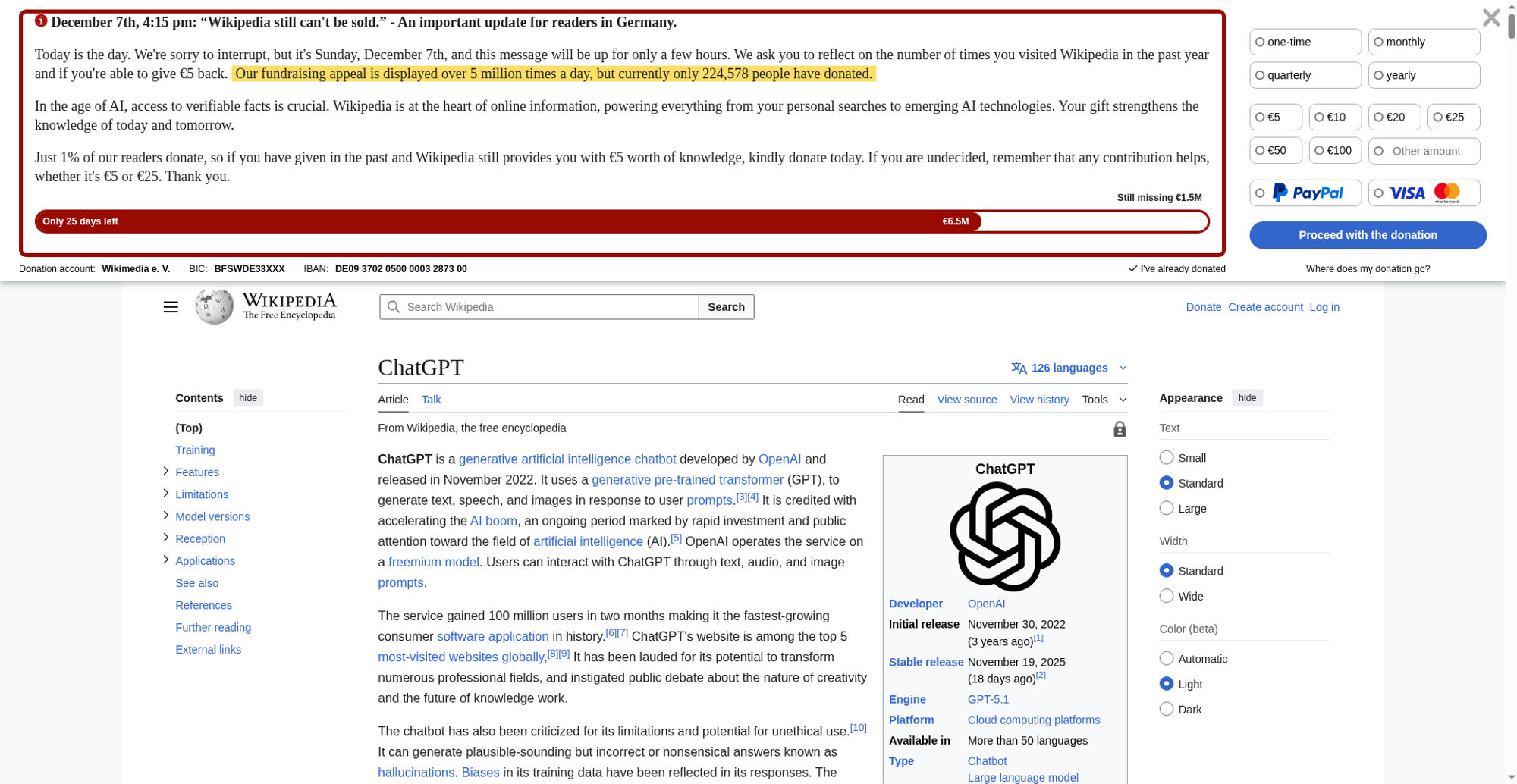
| Metric | min | median | mean | max |
|---|---|---|---|---|
| Visual Metrics | ||||
| FirstVisualChange | 1.033 s | 1.066 s | 1.052 s | 1.066 s |
| LastVisualChange | 13.800 s | 13.900 s | 13.895 s | 13.933 s |
| SpeedIndex | 3.034 s | 3.118 s | 3.103 s | 3.145 s |
| LargestImage | 10.733 s | 10.833 s | 10.828 s | 10.900 s |
| Heading | 10.733 s | 10.833 s | 10.828 s | 10.900 s |
| LastMeaningfulPaint | 10.733 s | 10.833 s | 10.828 s | 10.900 s |
| VisualReadiness | 12.767 s | 12.867 s | 12.843 s | 12.900 s |
| VisualComplete85 | 10.733 s | 10.833 s | 10.814 s | 10.866 s |
| VisualComplete95 | 11.800 s | 11.833 s | 11.843 s | 11.933 s |
| VisualComplete99 | 12.866 s | 12.933 s | 13.271 s | 13.866 s |
| Google Web Vitals | ||||
| Time To First Byte (TTFB) | 487 ms | 491 ms | 495 ms | 510 ms |
| Largest Contentful Paint (LCP) | 1.048 s | 1.072 s | 1.067 s | 1.084 s |
| First Contentful Paint (FCP) | 1.048 s | 1.072 s | 1.067 s | 1.084 s |
| Cumulative Layout Shift (CLS) | 0.152 | 0.1537 | 0.1538 | 0.155 |
| More metrics | ||||
| firstPaint | 1.048 s | 1.072 s | 1.067 s | 1.084 s |
| loadEventEnd | 1.973 s | 2.020 s | 2.047 s | 2.250 s |
| User Timing | ||||
| mwStartup | 1.010 s | 1.020 s | 1.022 s | 1.040 s |
| mwCentralNoticeBanner | 1.789 s | 1.858 s | 1.845 s | 1.889 s |
| CPU | ||||
| Total Blocking Time | 354 ms | 369 ms | 376 ms | 410 ms |
| Max Potential FID | 276 ms | 281 ms | 286 ms | 302 ms |
| CPU long tasks | 5 | 5 | 5 | 6 |
| CPU last long task happens at | 9.551 s | 9.642 s | 9.628 s | 9.688 s |
Run 4 SpeedIndex median
Use--filmstrip.showAll to show all filmstrips.
 0 s0.8 sCPU Long Task duration 231 ms
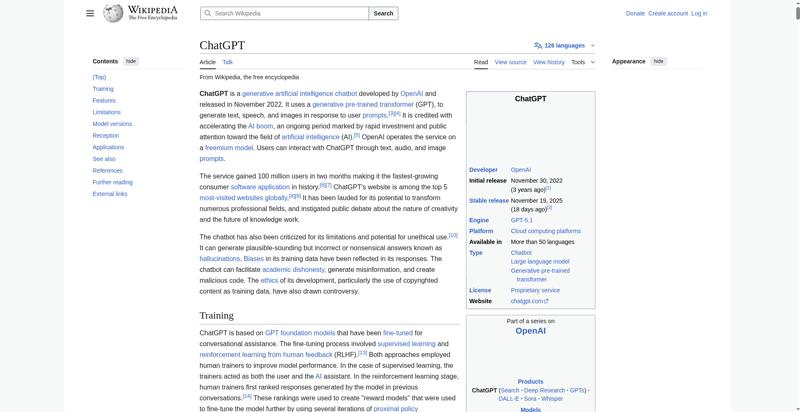 1.1 smwStartup 1.017 sDOM Content Loaded Time 1.026 sFirst Visual Change 1.033 sFirst Contentful Paint 1.072 sLCP <P> 1.072 s
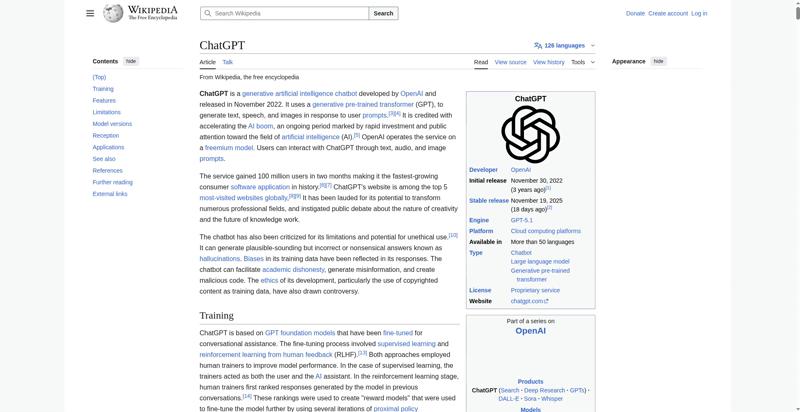 1.2 s
1.2 s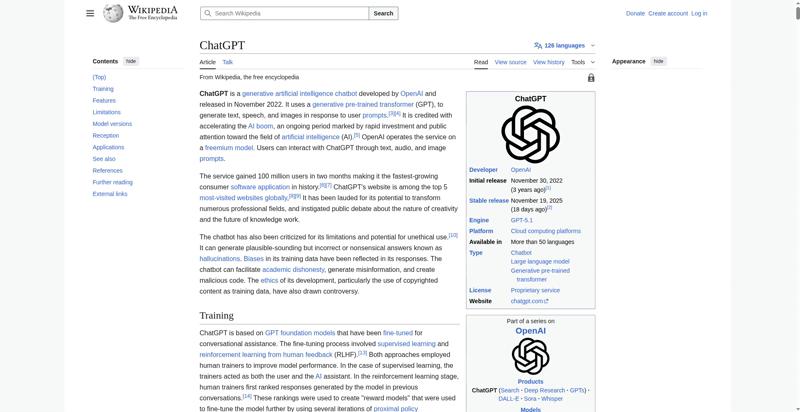 1.3 s
1.3 s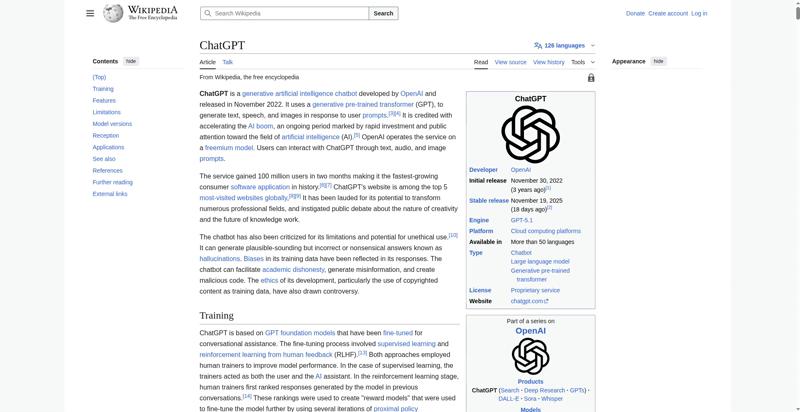 1.4 s
1.4 s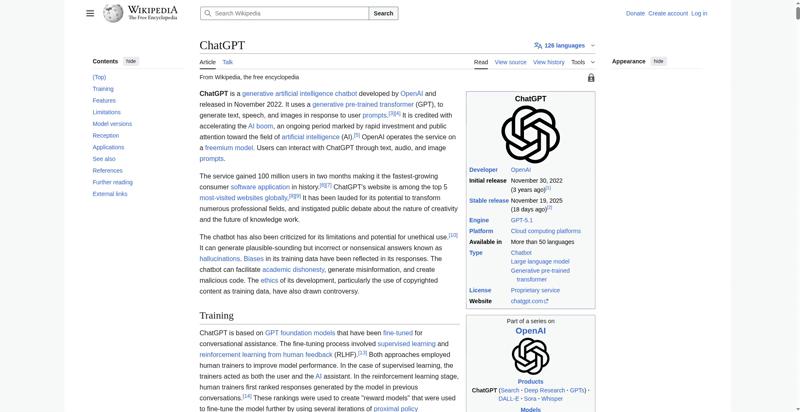 1.5 sCPU Long Task duration 67 ms
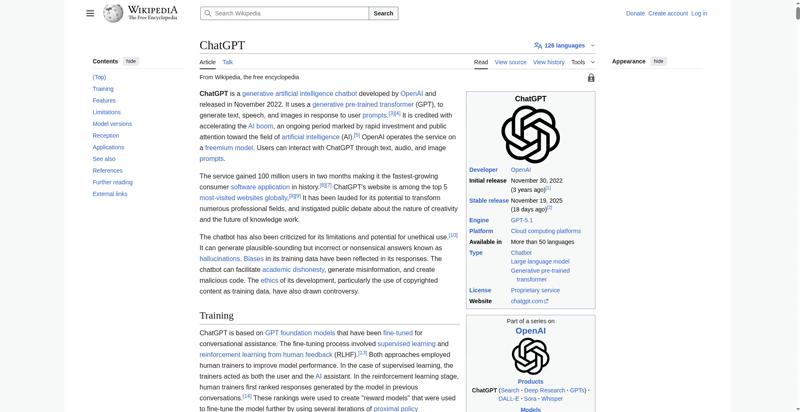 1.6 sCPU Long Task duration 66 ms
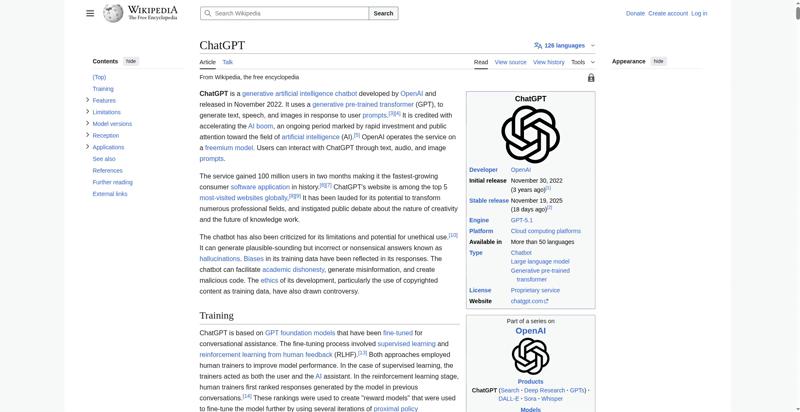 1.7 s
1.7 s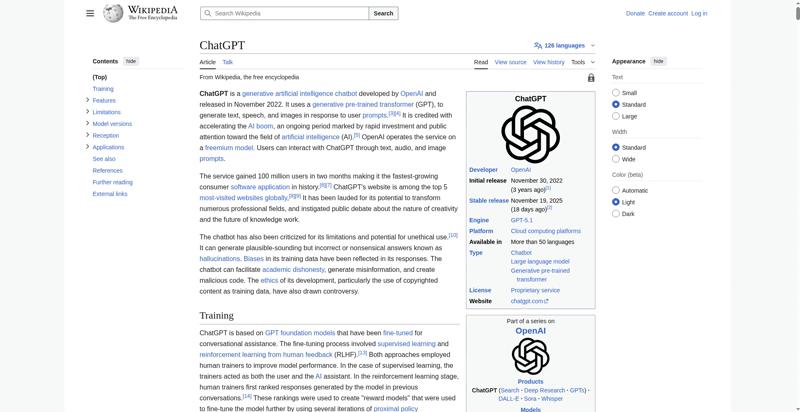 1.8 sCPU Long Task duration 50 ms
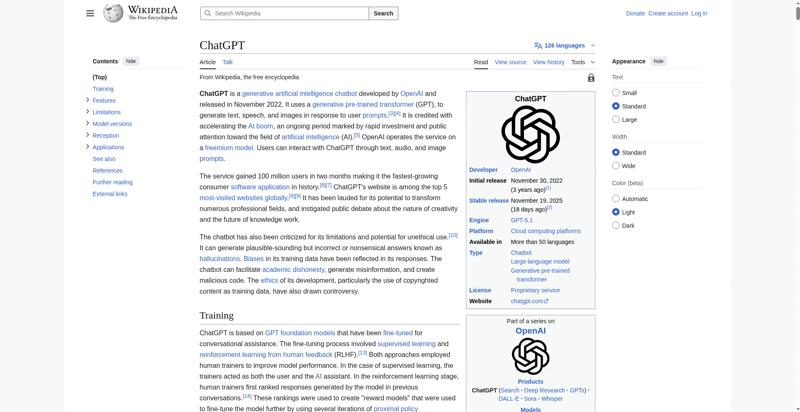 1.9 smwCentralNoticeBanner 1.835 s
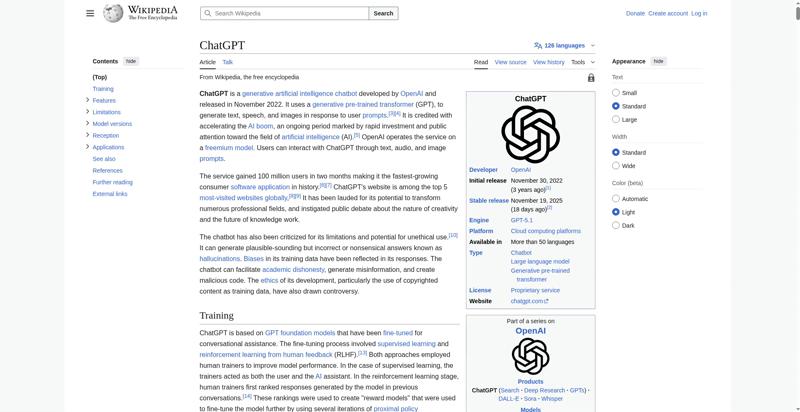 2 sPage Load Time 1.994 sCPU Long Task duration 290 ms
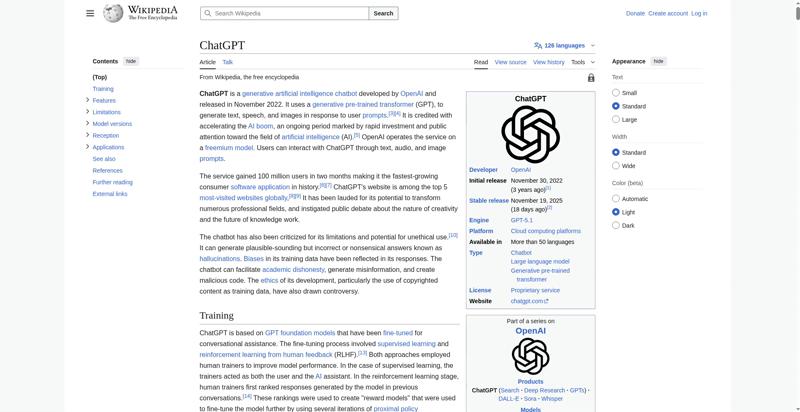 2.1 s
2.1 s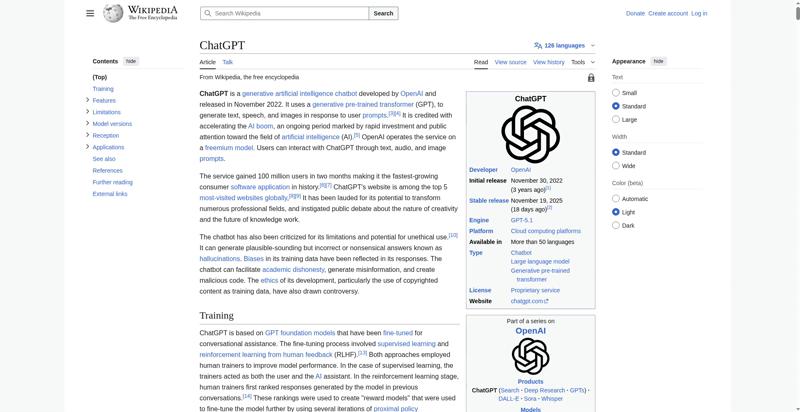 2.2 s
2.2 s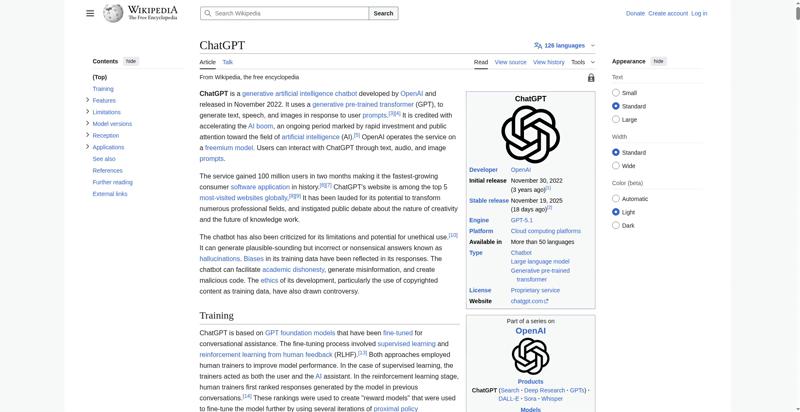 2.3 s
2.3 s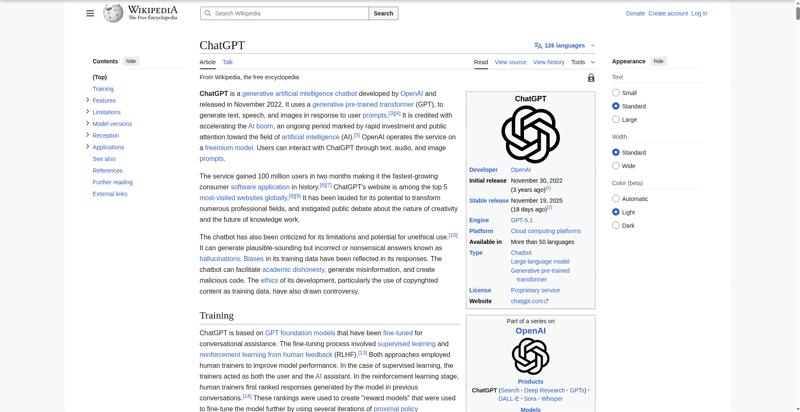 2.4 s
2.4 s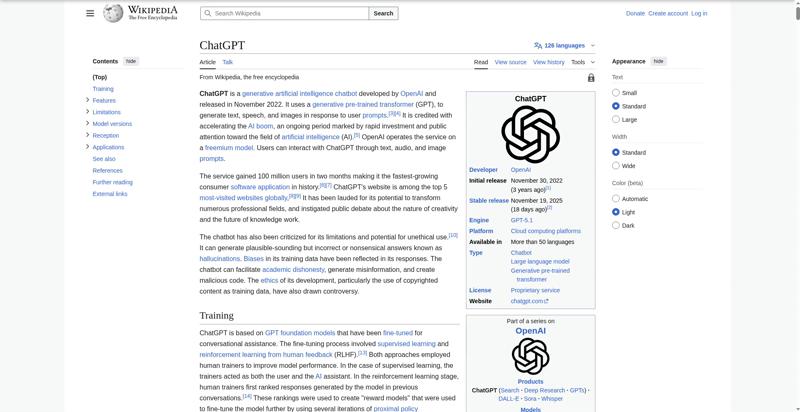 2.5 s
2.5 s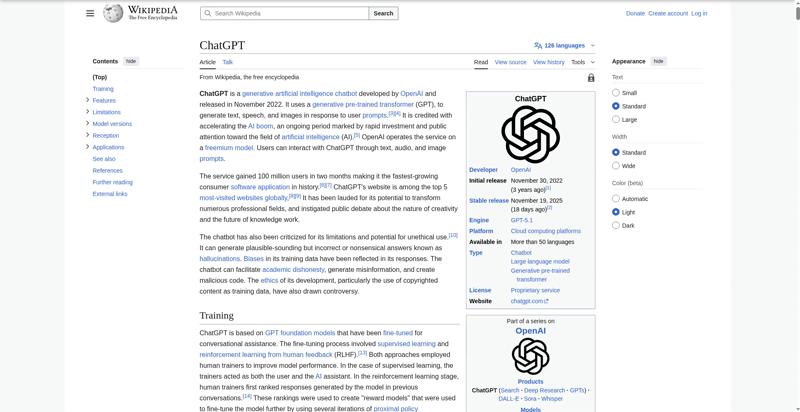 2.6 s
2.6 s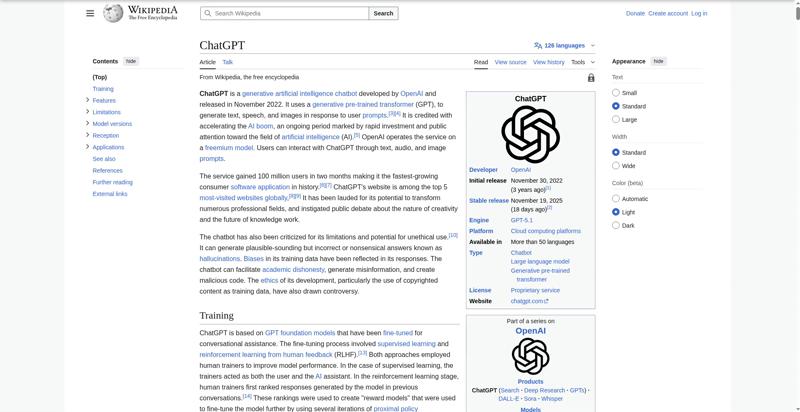 7.3 s
7.3 s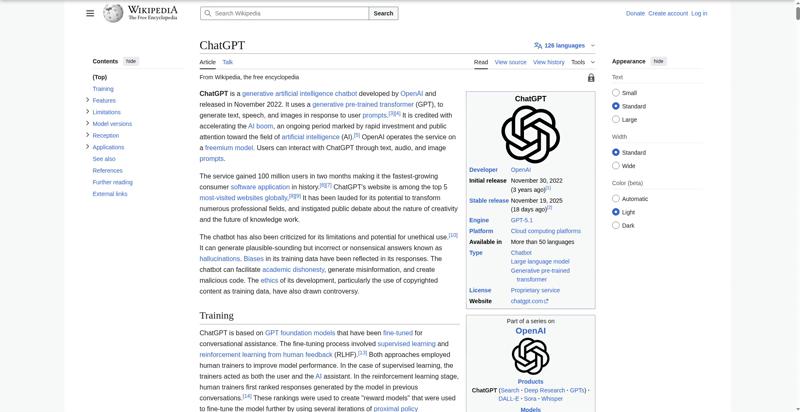 7.4 s
7.4 s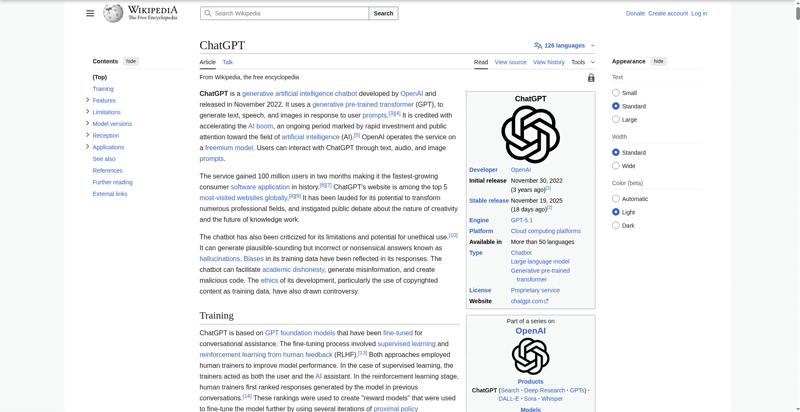 8.7 s
8.7 s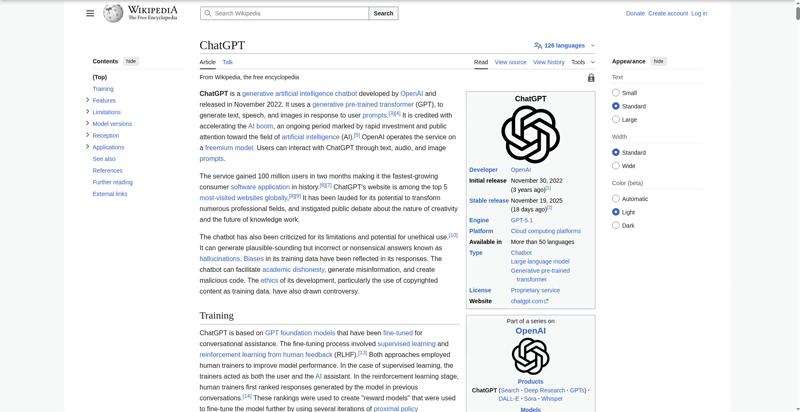 8.9 s
8.9 s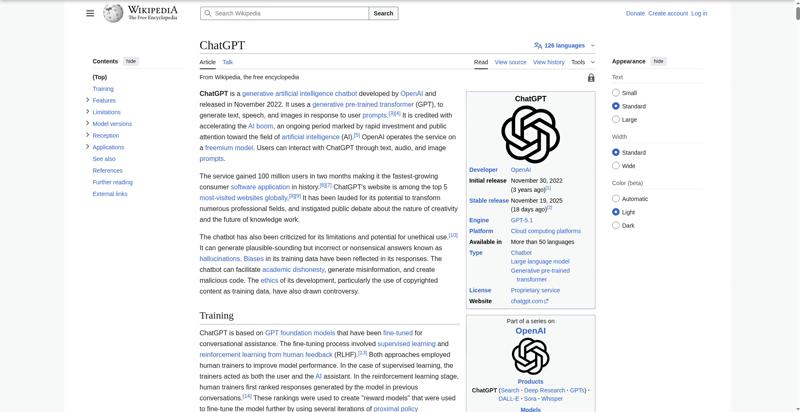 9 s
9 s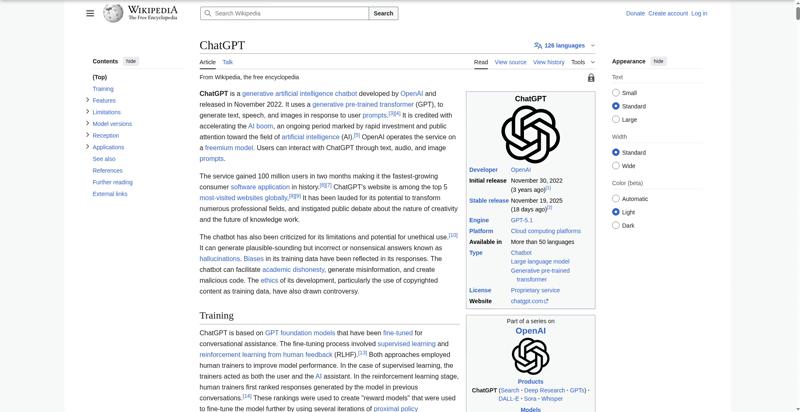 9.1 s
9.1 s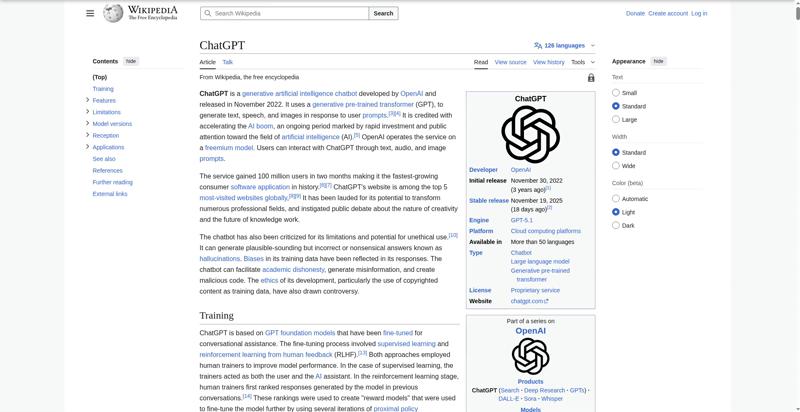 9.3 s
9.3 s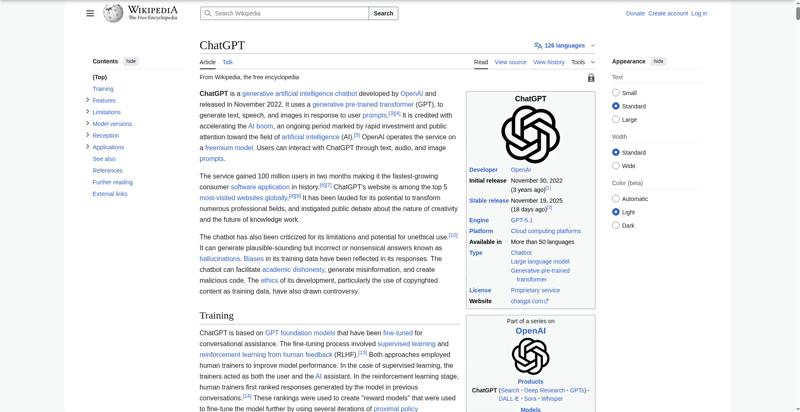 9.4 s
9.4 s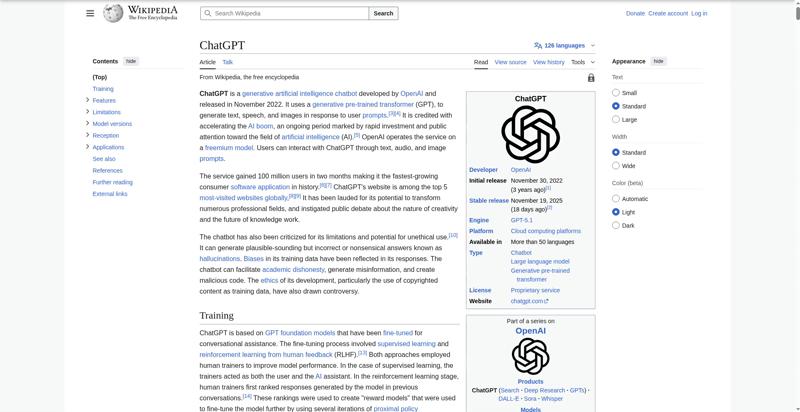 9.5 s
9.5 s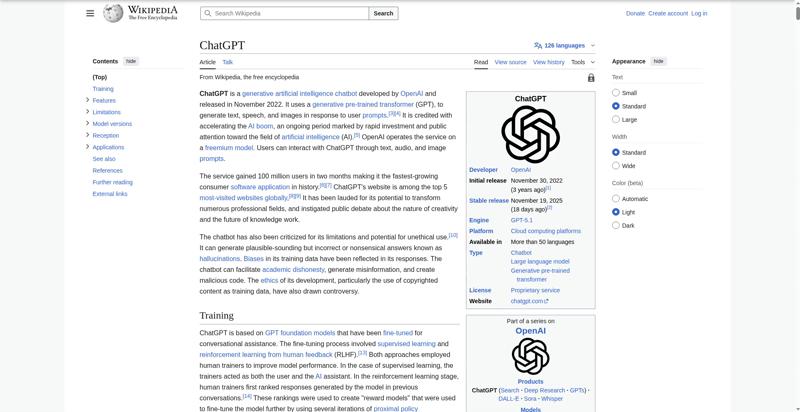 9.6 s
9.6 s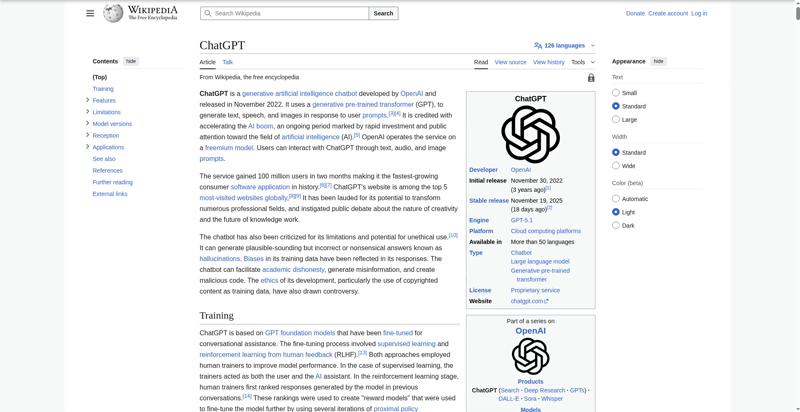 9.7 sCPU Long Task duration 153 ms
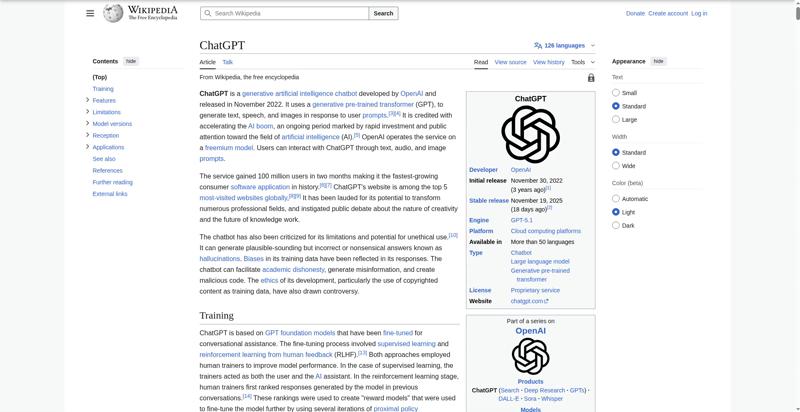 9.8 s
9.8 s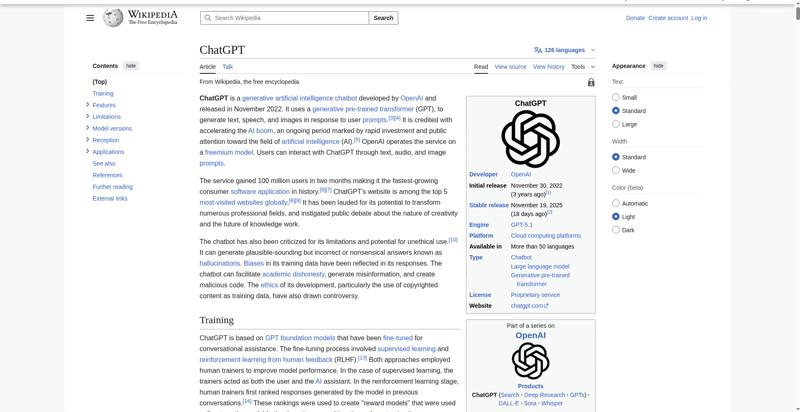 9.9 sLayout Shift 0.00229 9.874 sLayout Shift 0.00134 9.900 s
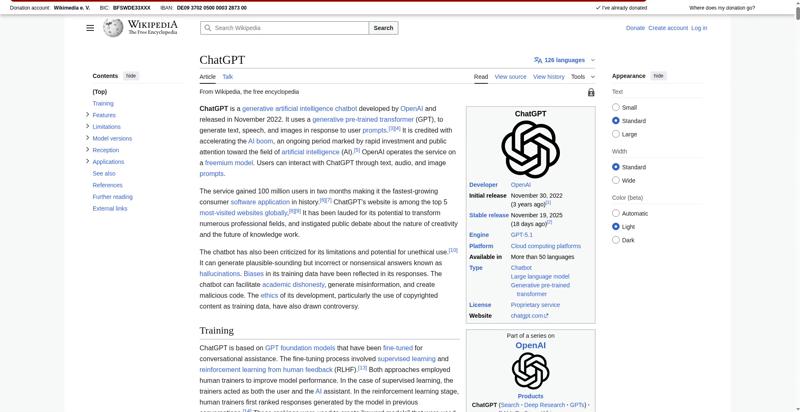 10 sLayout Shift 0.00150 9.918 sLayout Shift 0.00353 9.939 sLayout Shift 0.00222 9.956 sLayout Shift 0.00234 9.979 s
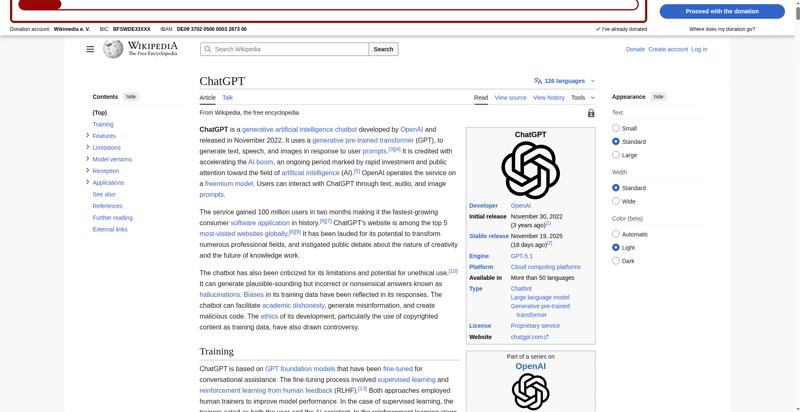 10.1 sLayout Shift 0.00267 10.004 sLayout Shift 0.00670 10.024 sLayout Shift 0.00387 10.043 sLayout Shift 0.00448 10.063 sLayout Shift 0.00539 10.084 s
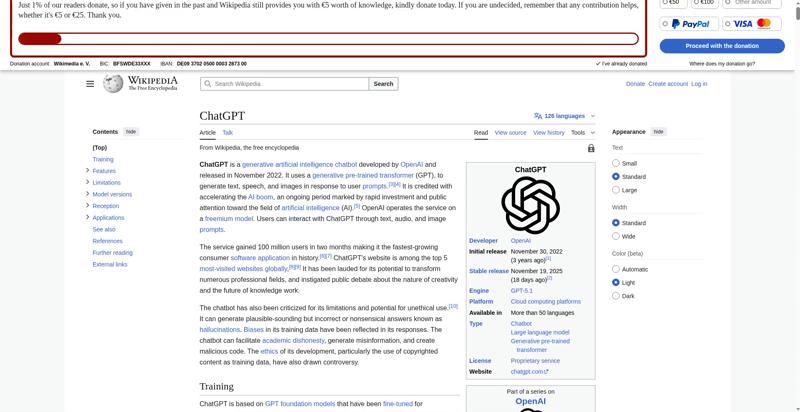 10.2 sLayout Shift 0.01281 10.110 sLayout Shift 0.00778 10.133 sLayout Shift 0.01745 10.154 sLayout Shift 0.00870 10.183 sLayout Shift 0.00827 10.200 s
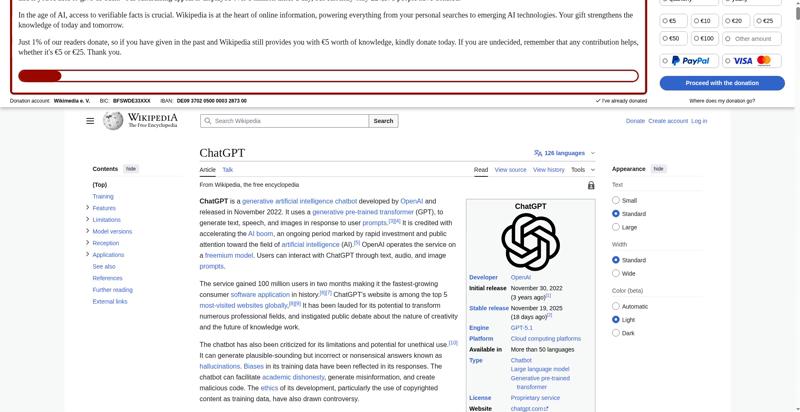 10.3 sLayout Shift 0.01356 10.225 sLayout Shift 0.00560 10.249 sLayout Shift 0.00510 10.270 sLayout Shift 0.00837 10.291 s
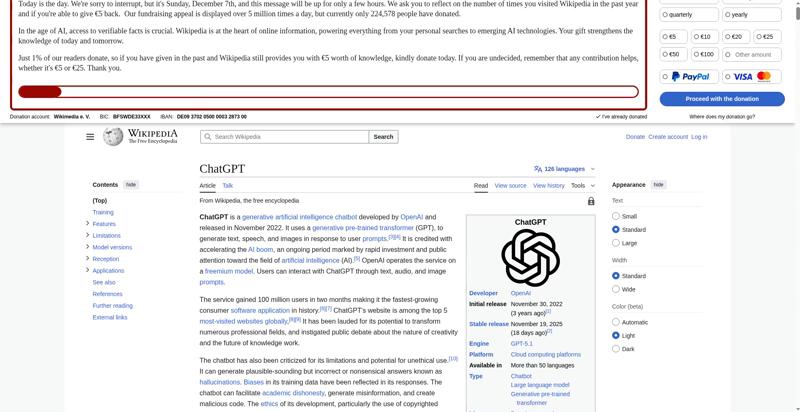 10.4 sLayout Shift 0.00349 10.315 sLayout Shift 0.00327 10.335 sLayout Shift 0.00284 10.353 sLayout Shift 0.00515 10.373 sLayout Shift 0.00214 10.394 s
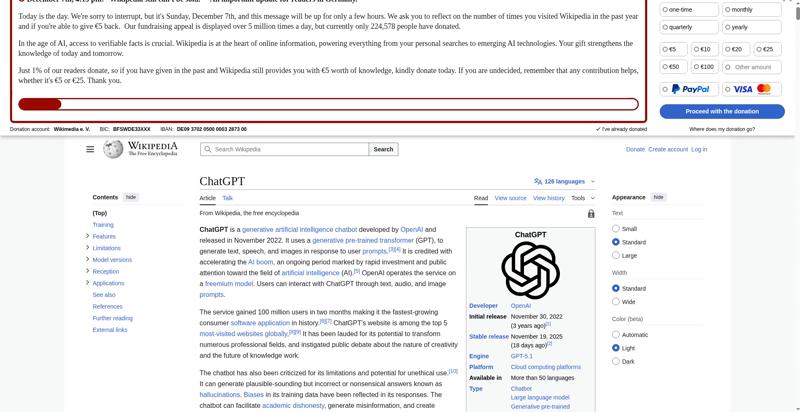 10.5 sLayout Shift 0.00196 10.419 sLayout Shift 0.00375 10.440 sLayout Shift 0.00152 10.463 sFully Loaded 10.481 sLayout Shift 0.00055 10.486 s
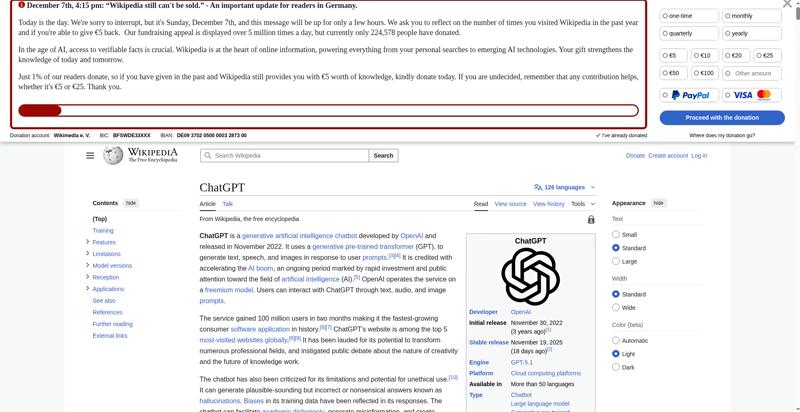 10.6 sLayout Shift 0.00248 10.505 sLayout Shift 0.00056 10.544 s
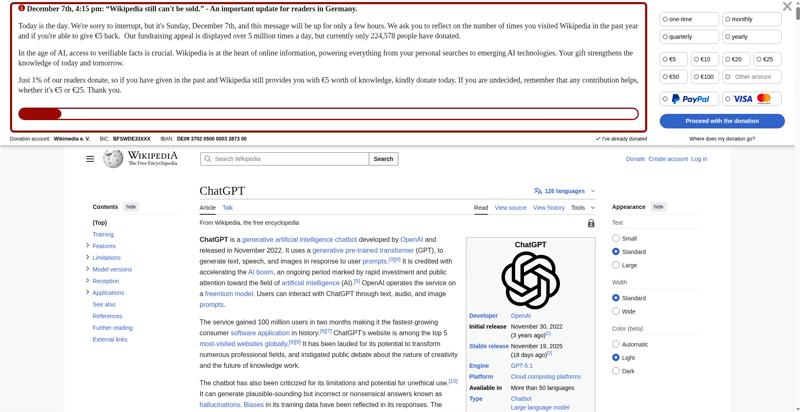 10.7 sLayout Shift 0.00189 10.606 s
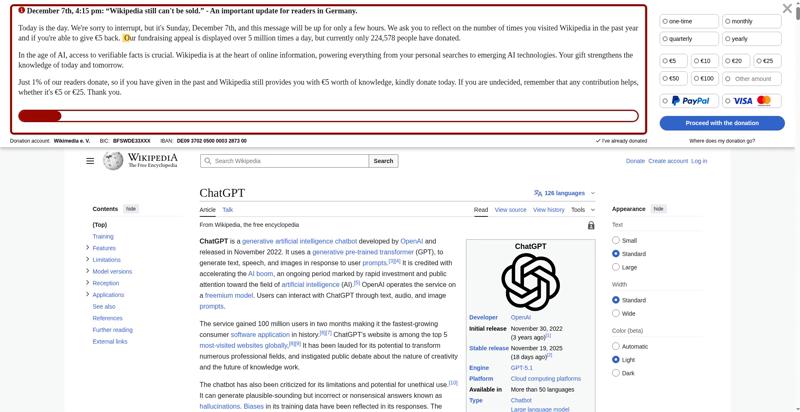 10.8 sVisual Complete 85% 10.800 s
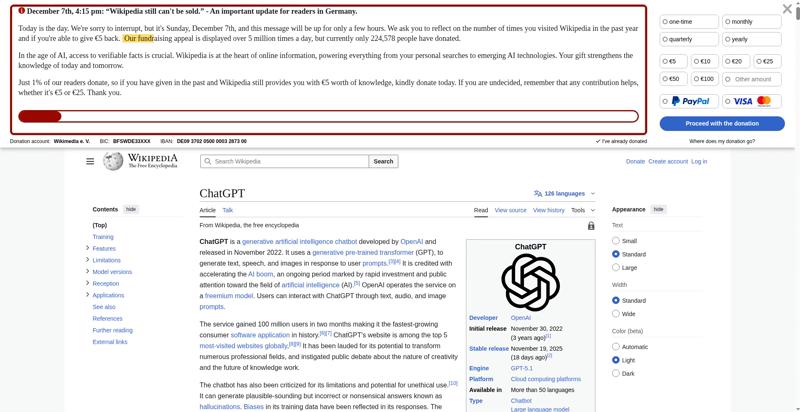 10.9 sLargest Image 10.833 sHeading 10.833 s
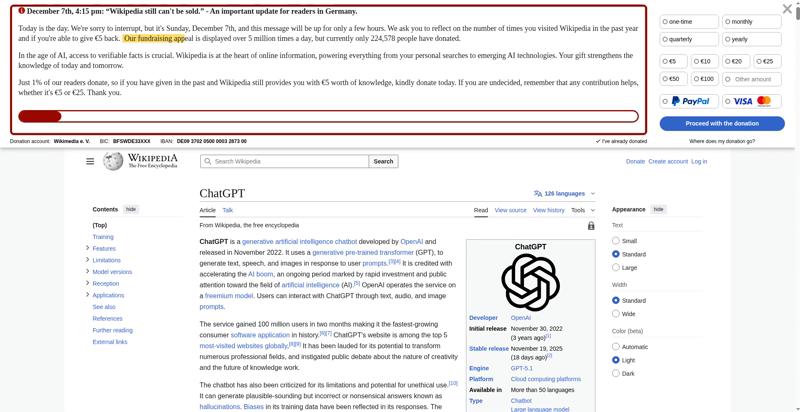 11 s
11 s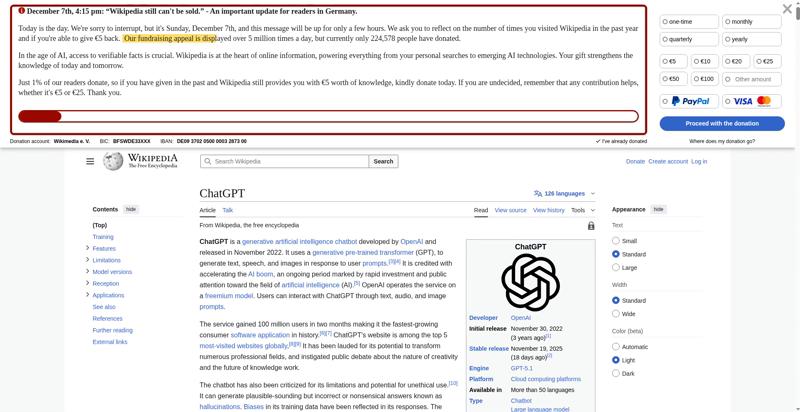 11.1 s
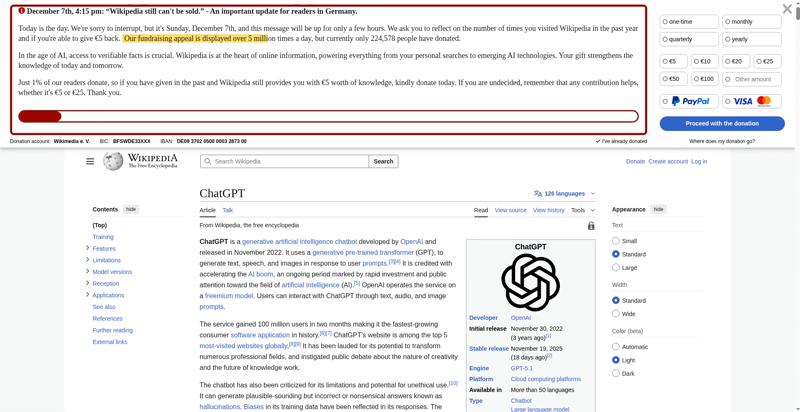 11.2 s
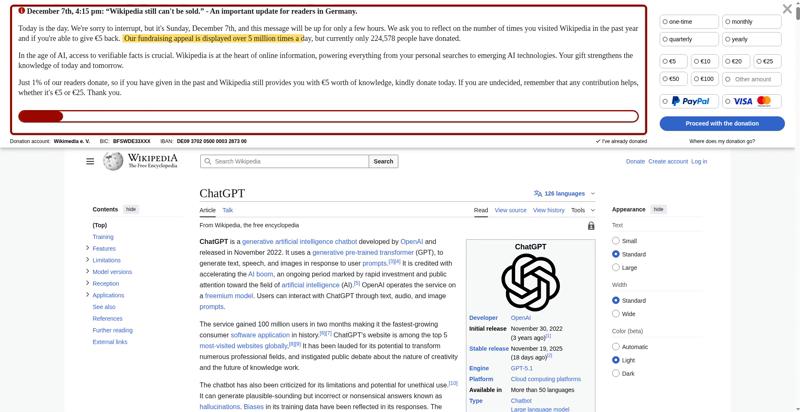 11.3 s
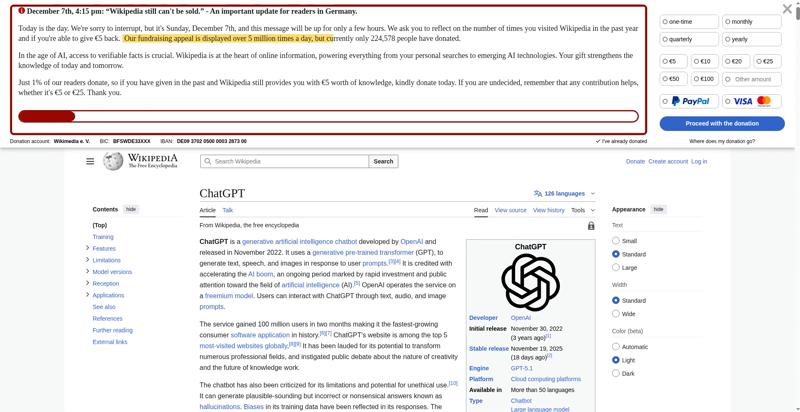 11.4 s
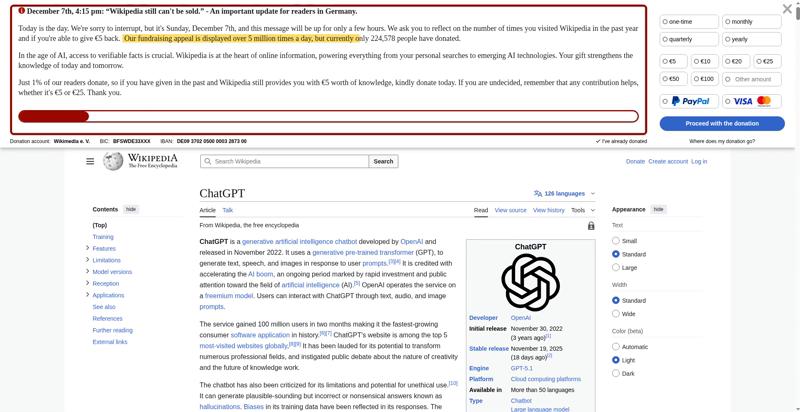 11.5 s
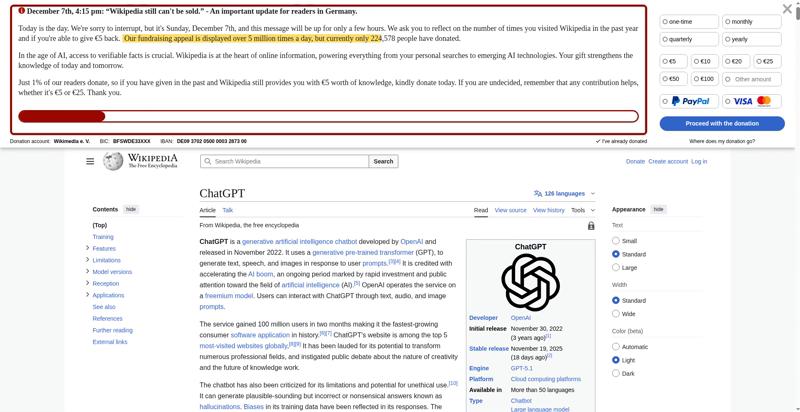 11.6 s
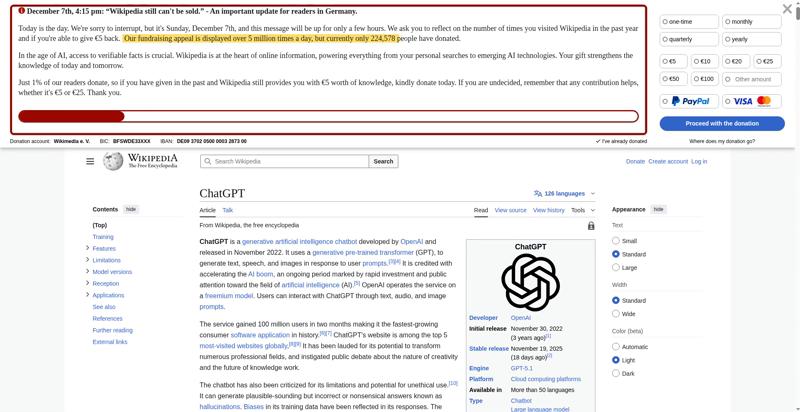 11.7 s
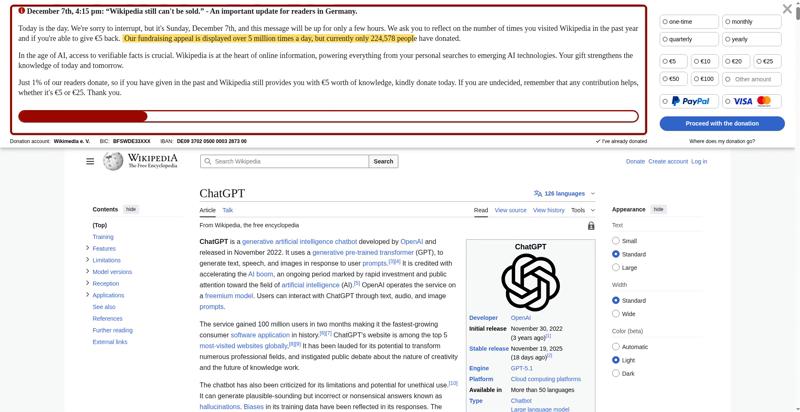 11.8 s
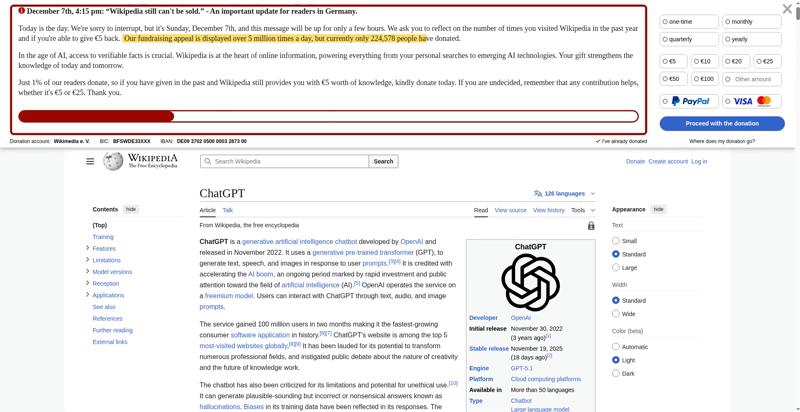 11.9 sVisual Complete 95% 11.900 s
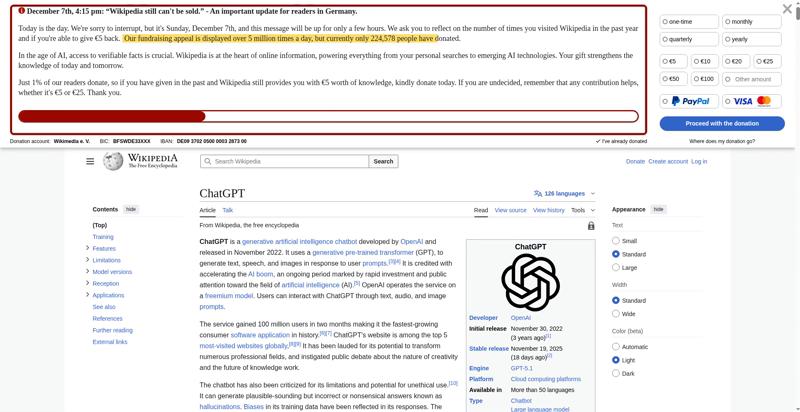 12 s
12 s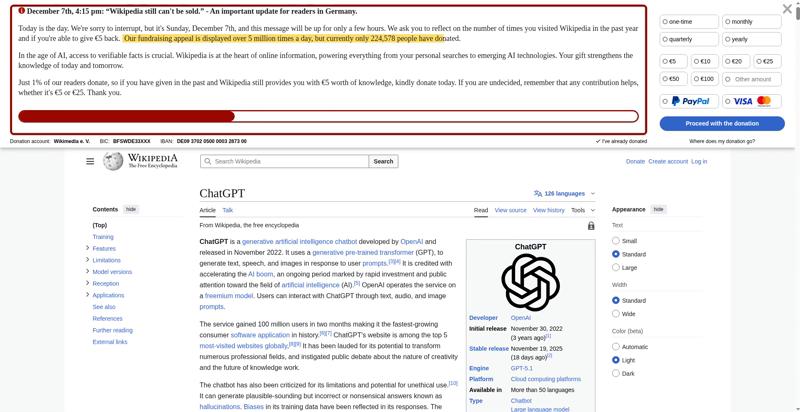 12.1 s
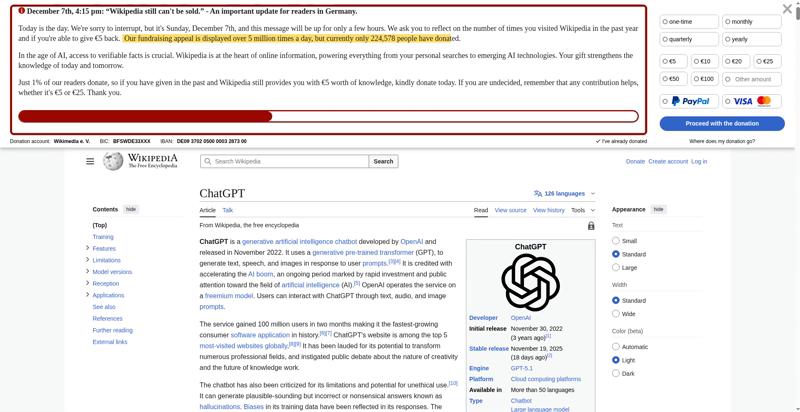 12.2 s
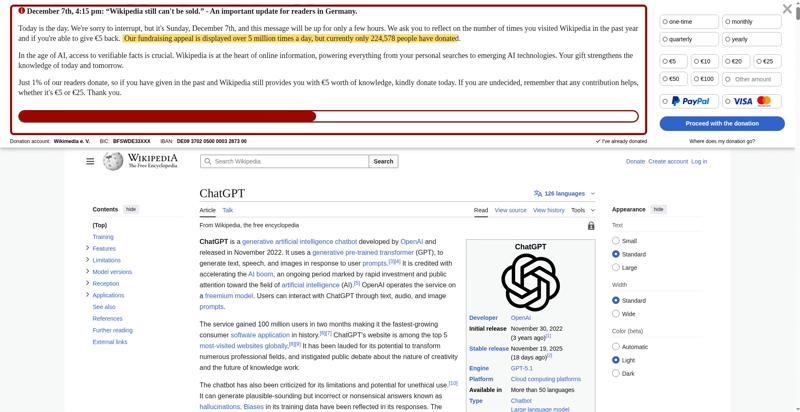 12.3 s
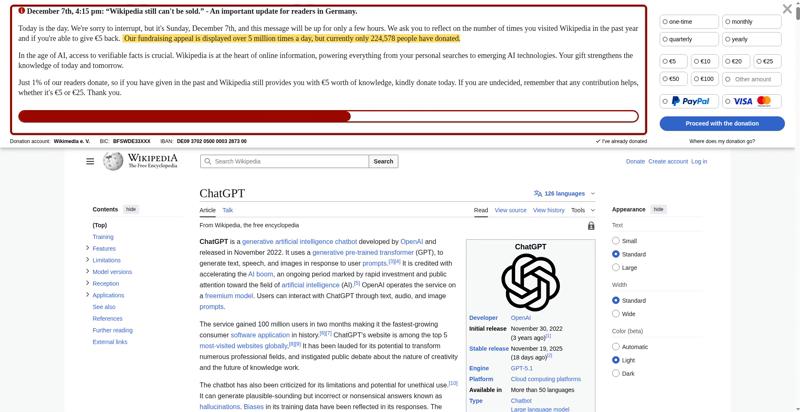 12.4 s
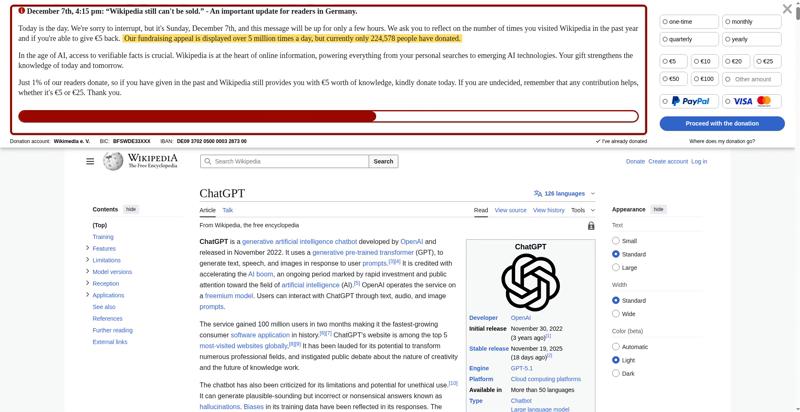 12.5 s
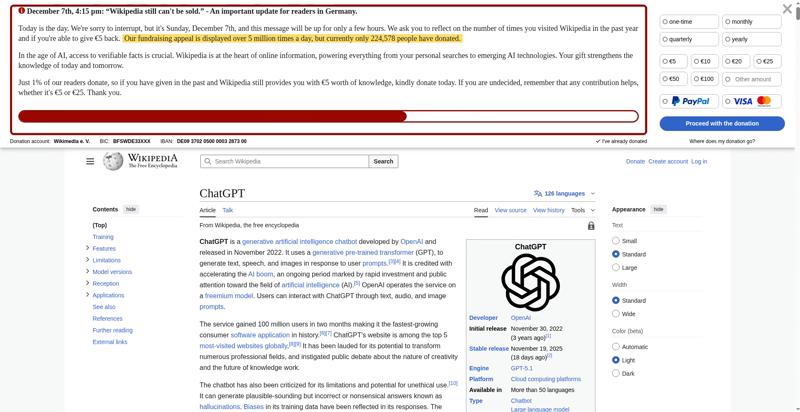 12.6 s
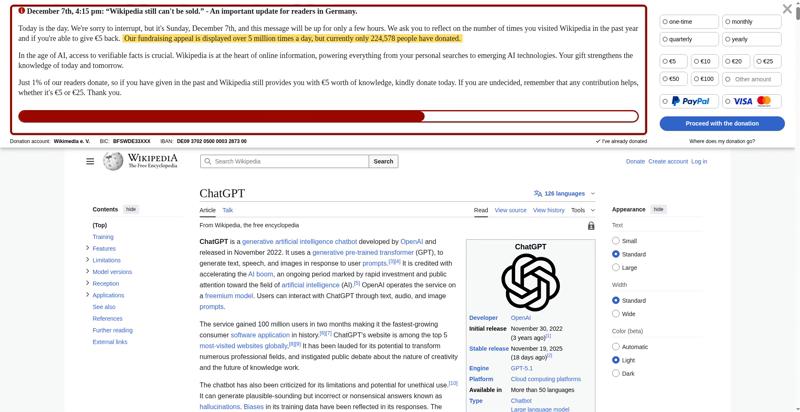 12.7 s
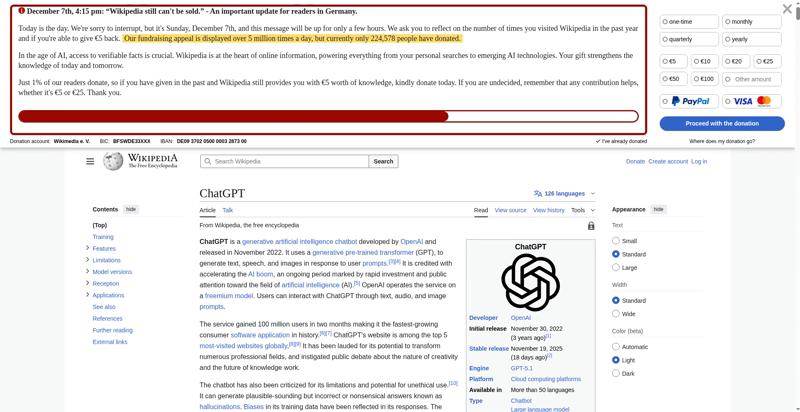 12.8 s
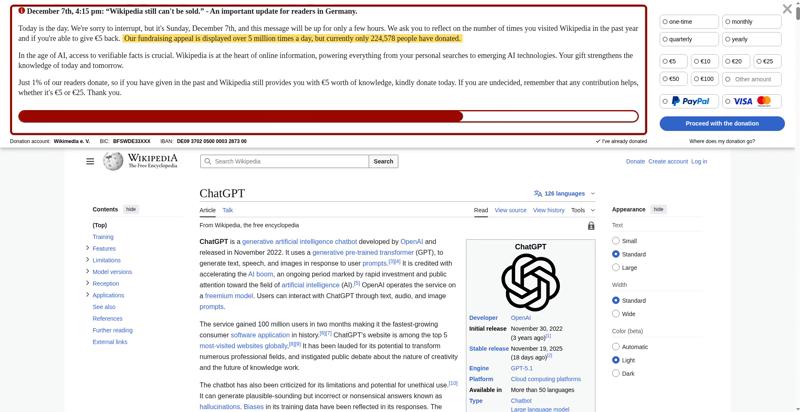 12.9 s
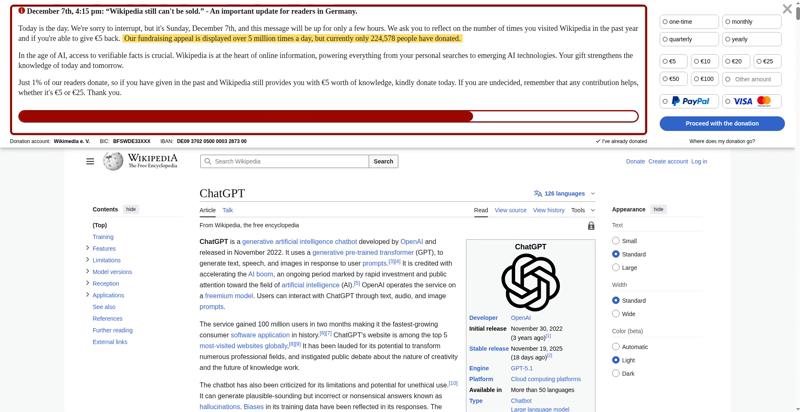 13 s
13 s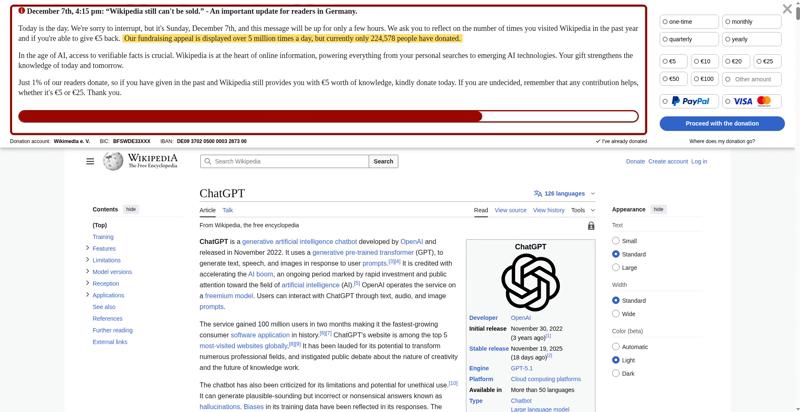 13.1 s
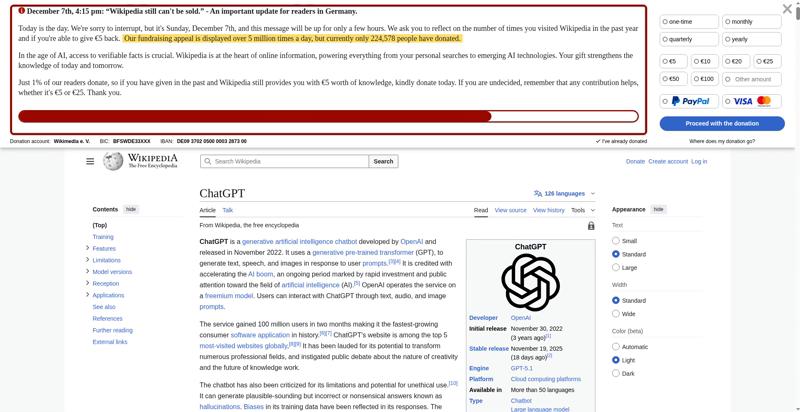 13.2 s
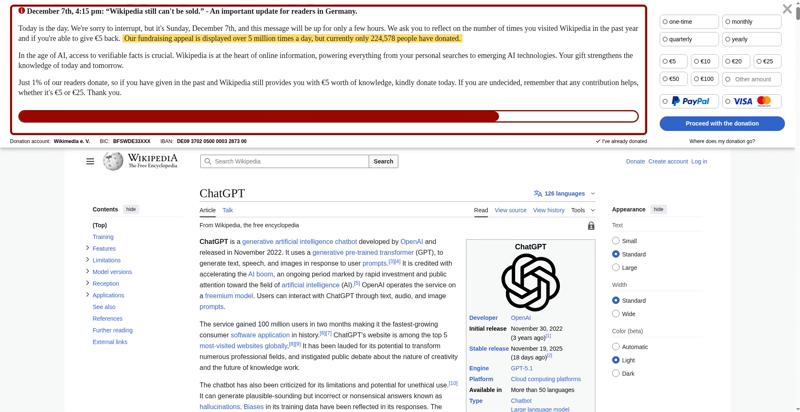 13.3 s
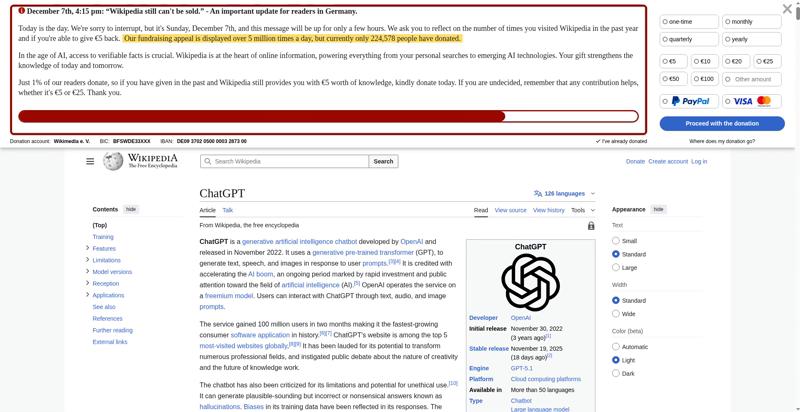 13.4 s
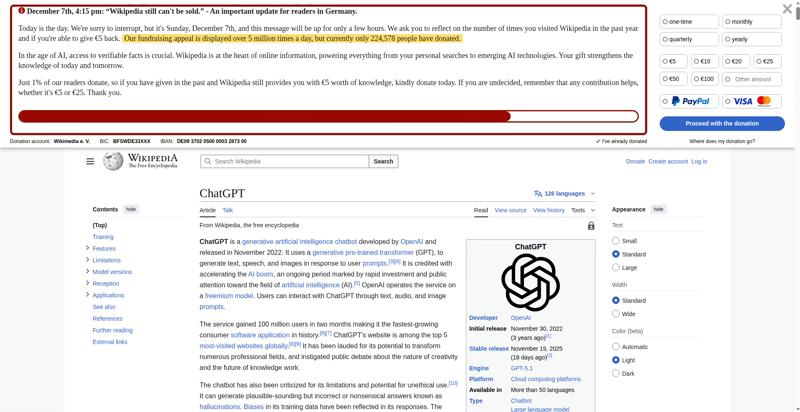 13.5 s
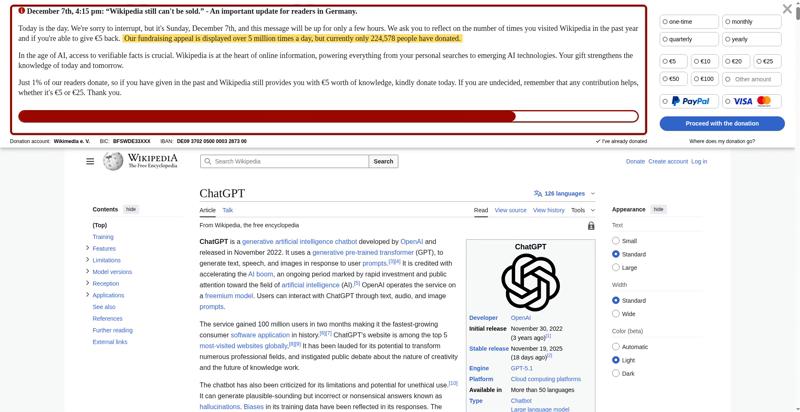 13.6 s
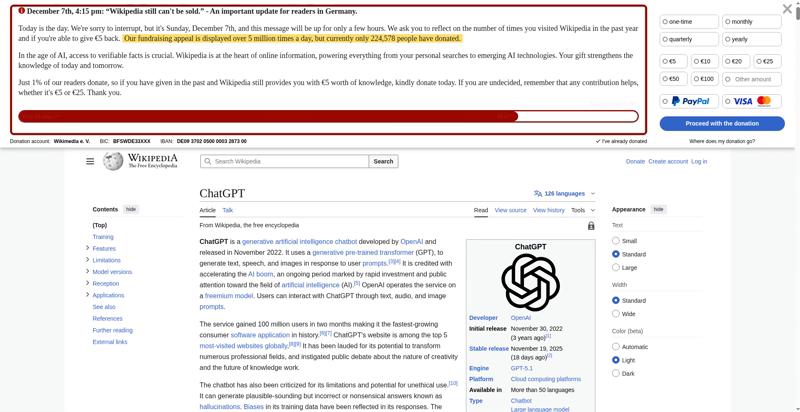 13.7 s
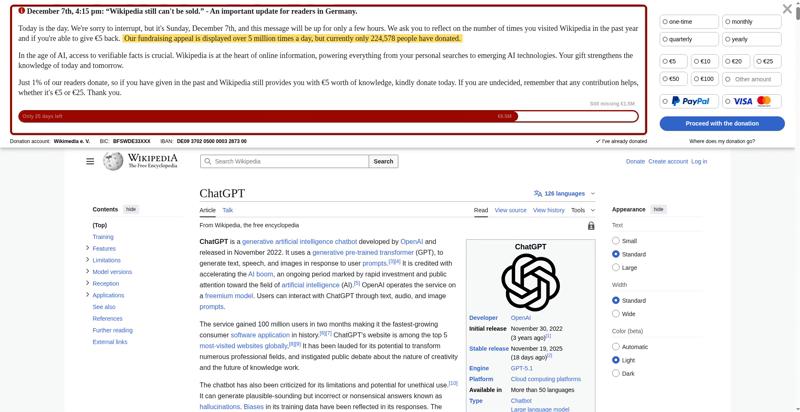 13.8 s
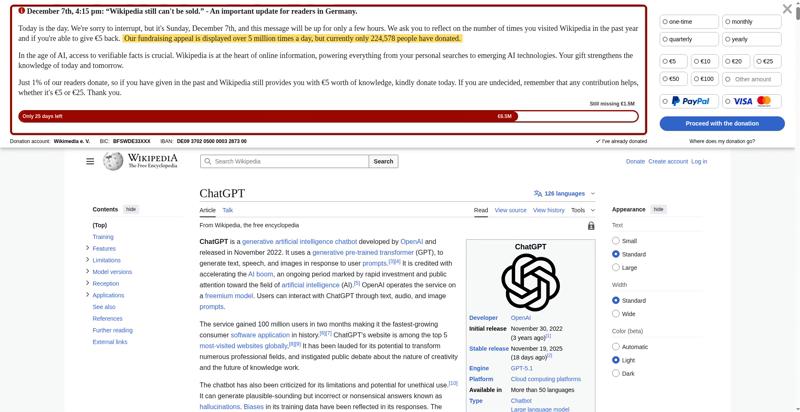 13.9 sVisual Complete 99% 13.866 sLast Visual Change 13.900 s
The coach helps you find performance problems on your web page using web performance best practice rules. And gives you advice on privacy and best practices. Tested using Coach-core version 8.1.3.

| Title | Advice | Score | ||||||||||||||||||||||||||||||
|---|---|---|---|---|---|---|---|---|---|---|---|---|---|---|---|---|---|---|---|---|---|---|---|---|---|---|---|---|---|---|---|---|
| Avoid slowing down the critical rendering path (avoidRenderBlocking) | The page has 2 blocking requests and 0 in body parser blocking (0 JavaScript and 2 CSS). There are 1 potentially render blocking requests. You need to verify if it is render blocking: https://en.wikipedia.org/w/load.php?lang=en&modules=startup&only=scripts&raw=1&skin=vector-2022 | 99 | ||||||||||||||||||||||||||||||
| Description: The critical rendering path is what the browser needs to do to start rendering the page. Every file requested inside of the head element will postpone the rendering of the page, because the browser need to do the request. Avoid loading JavaScript synchronously inside of the head (you should not need JavaScript to render the page), request files from the same domain as the main document (to avoid DNS lookups) and inline CSS for really fast rendering and a short rendering path. | ||||||||||||||||||||||||||||||||
| Offenders: | ||||||||||||||||||||||||||||||||
| Don't scale images in the browser (avoidScalingImages) | The page has 4 images that are scaled more than 100 pixels. It would be better if those images are sent so the browser don't need to scale them. | 60 | ||||||||||||||||||||||||||||||
| Description: It's easy to scale images in the browser and make sure they look good in different devices, however that is bad for performance! Scaling images in the browser takes extra CPU time and will hurt performance on mobile. And the user will download extra kilobytes (sometimes megabytes) of data that could be avoided. Don't do that, make sure you create multiple version of the same image server-side and serve the appropriate one. | ||||||||||||||||||||||||||||||||
| Offenders: | ||||||||||||||||||||||||||||||||
| Inline CSS for faster first render (inlineCss) | The page has both inline CSS and CSS requests even though it uses a HTTP/2-ish connection. If you have many users on slow connections, it can be better to only inline the CSS. Run your own tests and check the waterfall graph to see what happens. | 95 | ||||||||||||||||||||||||||||||
| Description: In the early days of the Internet, inlining CSS was one of the ugliest things you can do. That has changed if you want your page to start rendering fast for your user. Always inline the critical CSS when you use HTTP/1 and HTTP/2 (avoid doing CSS requests that block rendering) and lazy load and cache the rest of the CSS. It is a little more complicated when using HTTP/2. Does your server support HTTP push? Then maybe that can help. Do you have a lot of users on a slow connection and are serving large chunks of HTML? Then it could be better to use the inline technique, becasue some servers always prioritize HTML content over CSS so the user needs to download the HTML first, before the CSS is downloaded. | ||||||||||||||||||||||||||||||||
| Avoid CPU Long Tasks (longTasks) | The page has 5 CPU long tasks with the total of 812 ms. The total blocking time is 369 ms and 1 long task before first contentful paint with total time of 243 ms. However the CPU Long Task is depending on the computer/phones actual CPU speed, so you should measure this on the same type of the device that your user is using. Use Geckoprofiler for Firefox or Chromes tracelog to debug your long tasks. | 0 | ||||||||||||||||||||||||||||||
| Description: Long CPU tasks locks the thread. To the user this is commonly visible as a "locked up" page where the browser is unable to respond to user input; this is a major source of bad user experience on the web today. However the CPU Long Task is depending on the computer/phones actual CPU speed, so you should measure this on the same type of the device that your user is using. To debug you should use the Chrome timeline log and drag/drop it into devtools or use Firefox Geckoprofiler. | ||||||||||||||||||||||||||||||||
| Offenders: | ||||||||||||||||||||||||||||||||
| Avoid doing redirects (assetsRedirects) | The page has 1 redirect. 1 of the redirects are from the base domain, please fix them! | 90 | ||||||||||||||||||||||||||||||
| Description: A redirect is one extra step for the user to download the asset. Avoid that if you want to be fast. Redirects are even more of a showstopper on mobile. | ||||||||||||||||||||||||||||||||
| Offenders: | ||||||||||||||||||||||||||||||||
| Avoid extra requests by setting cache headers (cacheHeaders) | The page has 26 requests that are missing a cache time. Configure a cache time so the browser doesn't need to download them every time. It will save 332.8 kB the next access. | 0 | ||||||||||||||||||||||||||||||
| Description: The easiest way to make your page fast is to avoid doing requests to the server. Setting a cache header on your server response will tell the browser that it doesn't need to download the asset again during the configured cache time! Always try to set a cache time if the content doesn't change for every request. | ||||||||||||||||||||||||||||||||
| Offenders: | ||||||||||||||||||||||||||||||||
| Long cache headers is good (cacheHeadersLong) | The page has 4 requests that have a shorter cache time than 30 days (but still a cache time). | 96 | ||||||||||||||||||||||||||||||
| Description: Setting a cache header is good. Setting a long cache header (at least 30 days) is even better beacause then it will stay long in the browser cache. But what do you do if that asset change? Rename it and the browser will pick up the new version. | ||||||||||||||||||||||||||||||||
| Offenders: | ||||||||||||||||||||||||||||||||
| Total JavaScript size shouldn't be too big (javascriptSize) | The total JavaScript transfer size is 413.8 kB and the uncompressed size is 1.5 MB. This is totally crazy! There is really room for improvement here. | 0 | ||||||||||||||||||||||||||||||
| Description: A lot of JavaScript often means you are downloading more than you need. How complex is the page and what can the user do on the page? Do you use multiple JavaScript frameworks? | ||||||||||||||||||||||||||||||||
Offenders:
| ||||||||||||||||||||||||||||||||
| Make each CSS response small (optimalCssSize) | https://en.wikipedia.org/w/load.php?lang=en&modules=ext.cite.styles%7Cext.uls.interlanguage%7Cext.visualEditor.desktopArticleTarget.noscript%7Cext.wikimediaBadges%7Cext.wikimediamessages.styles%7Cjquery.makeCollapsible.styles%7Cjquery.tablesorter.styles%7Cskins.vector.icons%2Cstyles%7Cskins.vector.search.codex.styles%7Cwikibase.client.init&only=styles&skin=vector-2022 size is 23.6 kB (23568) and that is bigger than the limit of 14.5 kB. Try to make the CSS files fit into 14.5 KB. | 90 | ||||||||||||||||||||||||||||||
| Description: Make CSS responses small to fit into the magic number TCP window size of 14.5 KB. The browser can then download the CSS faster and that will make the page start rendering earlier. | ||||||||||||||||||||||||||||||||
Offenders:
| ||||||||||||||||||||||||||||||||
| Don't use private headers on static content (privateAssets) | The page has 4 requests with private headers. The main page has a private header. It could be right in some cases where the user can be logged in and served specific content. But if your asset is static it should never be private. Make sure that the assets really should be private and only used by one user. Otherwise, make it cacheable for everyone. | 70 | ||||||||||||||||||||||||||||||
| Description: If you set private headers on content, that means that the content are specific for that user. Static content should be able to be cached and used by everyone. Avoid setting the cache header to private. | ||||||||||||||||||||||||||||||||
| Offenders: | ||||||||||||||||||||||||||||||||
| Title | Advice | Score |
|---|---|---|
| Use a good Content-Security-Policy header to make sure you you avoid Cross Site Scripting (XSS) attacks. (contentSecurityPolicyHeader) | Set a Content-Security-Policy header to make sure you are not open for Cross Site Scripting (XSS) attacks. You can start with setting a Content-Security-Policy-Report-Only header, that will only report the violation, not stop the download. | 0 |
| Description: Content Security Policy is delivered via a HTTP response header, and defines approved sources of content that the browser may load. It can be an effective countermeasure to Cross Site Scripting (XSS) attacks and is also widely supported and usually easily deployed. https://scotthelme.co.uk/content-security-policy-an-introduction/. | ||
| Offenders: | ||
| Set a referrer-policy header to make sure you do not leak user information. (referrerPolicyHeader) | Set a referrer-policy header to make sure you do not leak user information. | 0 |
| Description: Referrer Policy is a new header that allows a site to control how much information the browser includes with navigations away from a document and should be set by all sites. https://scotthelme.co.uk/a-new-security-header-referrer-policy/. | ||
| Offenders: | ||
| Page info | |
|---|---|
| Title | ChatGPT - Wikipedia |
| Generator | MediaWiki 1.46.0-wmf.5 |
| Width | 1904 |
| Height | 30798 |
| DOM elements | 9038 |
| Avg DOM depth | 14 |
| Max DOM depth | 28 |
| Iframes | 0 |
| Script tags | 6 |
| Local storage | 983.3 KB |
| Session storage | 63 B |
| Network Information API | 4g |
| Resource Hints |
|---|
| dns-prefetch |
| https://meta.wikimedia.org/ |
| https://en.wikipedia.org/wiki/auth.wikimedia.org |
| preconnect |
| https://upload.wikimedia.org/ |
Data collected using Wappalyzer version 6.10.54. With updated code from Webappanalyzer 2024-12-27. Use --browsertime.firefox.includeResponseBodies htmlor --browsertime.chrome.includeResponseBodies htmlto help Wappalyzer find more information about technologies used.
| Technology | Confidence | Category |
|---|---|---|
| MediaWiki | 100 | Wikis |
| PHP | 100 | Programming languages |
| HSTS | 100 | Security |
Data from run 4
| Visual Metrics | |
|---|---|
| First Visual Change | 1.033 s |
| Speed Index | 3.118 s |
| Largest Image | 10.833 s |
| Heading | 10.833 s |
| Last Meaningful Paint | 10.833 s |
| Visual Complete 85% | 10.800 s |
| Visual Complete 95% | 11.900 s |
| Visual Complete 99% | 13.866 s |
| Last Visual Change | 13.900 s |
| Visual Readiness | 12.867 s |
| Navigation Timing | |
|---|---|
| backEndTime | 510 ms |
| domContentLoadedTime | 1.026 s |
| domInteractiveTime | 1.026 s |
| domainLookupTime | 106 ms |
| frontEndTime | 1.267 s |
| pageDownloadTime | 218 ms |
| pageLoadTime | 1.994 s |
| redirectionTime | 0 ms |
| serverConnectionTime | 202 ms |
| serverResponseTime | 415 ms |
| Google Web Vitals | |
|---|---|
| Time to first byte (TTFB) | 510 ms |
| First Contentful Paint (FCP) | 1.072 s |
| Largest Contentful Paint (LCP) | 1.072 s |
| Cumulative Layout Shift (CLS) | 0.15 |
| Interaction to next paint (INP) | 552 ms |
| Total Blocking Time (TBT) | 376 ms |
| First Contentful Paint info | |
|---|---|
| Elements that needed recalculate style before FCP | 8621 |
| Time spent in recalculate style before FCP | 112.9 ms |
| Extra timings | |
|---|---|
| TTFB | 510 ms |
| First Paint | 1.072 s |
| Load Event End | 1.995 s |
| Fully loaded | 10.481 s |
| User Timing marks | |
|---|---|
| mwStartup | 1.017 s |
| mwCentralNoticeBanner | 1.835 s |
When in time the page main content is rendered (collected using the Largest Contentful Paint API). Read more about Largest Contentful Paint.
| Element type | P |
| Element/tag | <p></p> |
| Render time | 1.072 s |
| Element render delay | 562 ms |
| TTFB | 510 ms |
| Resource delay | 0 ms |
| Resource load duration | 0 ms |
| Elements that needed recalculate style before LCP | 8621 |
| Time spent in recalculate style before LCP | 112.9 ms |
| Load time | 0 ms |
| Size (width*height) | 124821 |
| DOM path | |
| div:eq(3) > div > div:eq(2) > main#content > div#bodyContent > div#mw-content-text > div:eq(0) > p:eq(4)> div:eq(3) > div > div:eq(2) > main#content > div#bodyContent > div#mw-content-text > div:eq(0) > p:eq(4)> | |
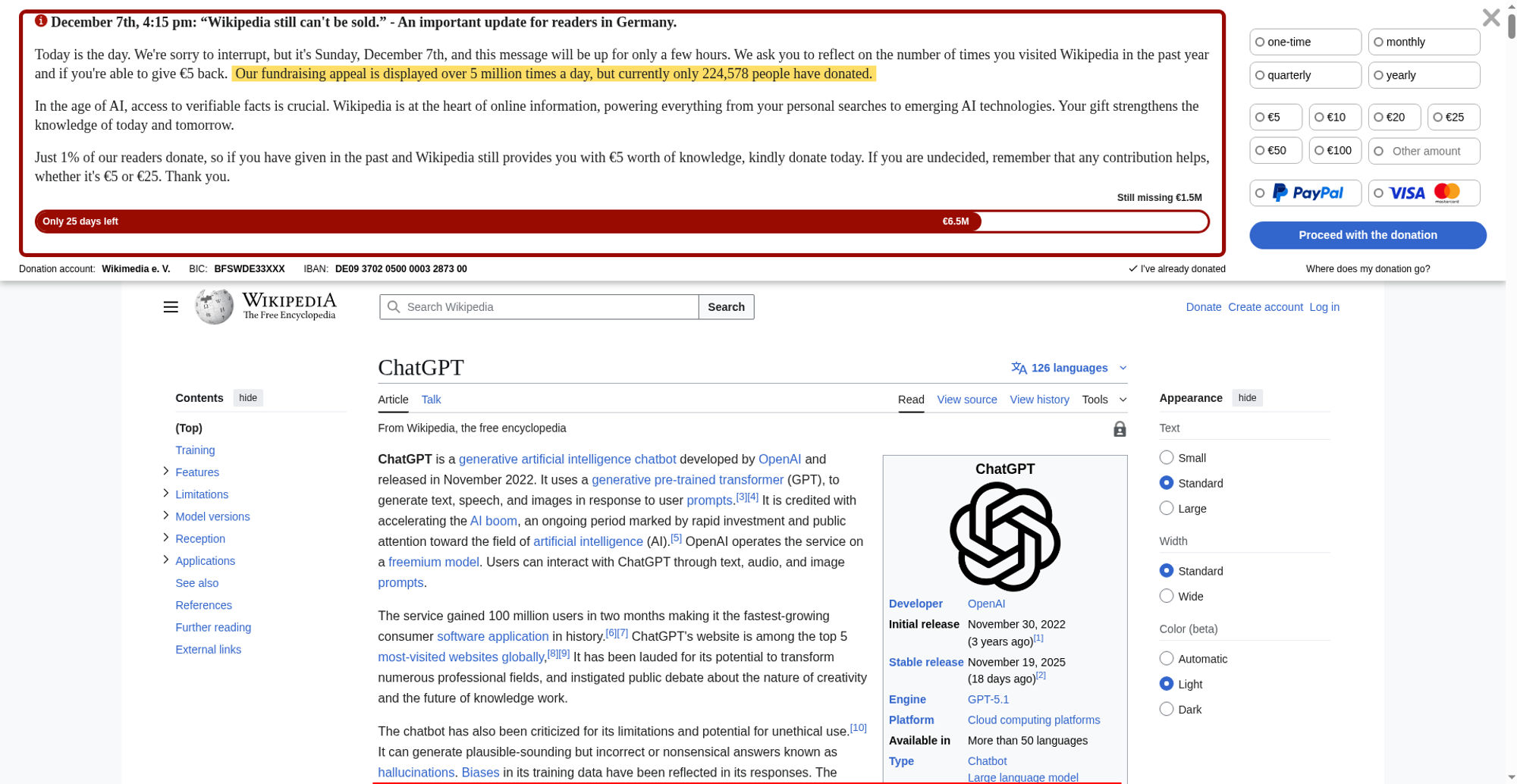
The largest contentful paint is highlighted in the image. If no element is highlighted the element was removed before the screenshot or the LCP API couldn't find the element.
0.15355 cumulative layout shift collected from the Cumulative Layout Shift API.
These HTML elements contribute most to the Cumulative Layout Shifts of the page. The higher score, the more layout shift.
| Score | HTML Element |
|---|---|
| 0.01745 | <div id="wmde-banner-app" data-v-app=""></div>,<header class="vector-header mw-header no-font-mode-scale"></header>,<span class="cdx-text-input__icon cdx-text-input__start-icon"></span>,<div class="mw-page-container"></div> |
| body > div#wmde-banner-app,body > div:eq(2) > header,body > div:eq(2) > header > div:eq(1) > div#p-search > div > div > form#searchform > div#simpleSearch > div > span,body > div:eq(3) | |
| 0.01356 | <div id="wmde-banner-app" data-v-app=""></div>,<header class="vector-header mw-header no-font-mode-scale"></header>,<span class="cdx-text-input__icon cdx-text-input__start-icon"></span>,<div class="mw-page-container"></div> |
| body > div#wmde-banner-app,body > div:eq(2) > header,body > div:eq(2) > header > div:eq(1) > div#p-search > div > div > form#searchform > div#simpleSearch > div > span,body > div:eq(3) | |
| 0.01281 | <div id="wmde-banner-app" data-v-app=""></div>,<header class="vector-header mw-header no-font-mode-scale"></header>,<span class="cdx-text-input__icon cdx-text-input__start-icon"></span>,<div class="mw-page-container"></div> |
| body > div#wmde-banner-app,body > div:eq(2) > header,body > div:eq(2) > header > div:eq(1) > div#p-search > div > div > form#searchform > div#simpleSearch > div > span,body > div:eq(3) | |
| 0.00870 | <div id="wmde-banner-app" data-v-app=""></div>,<header class="vector-header mw-header no-font-mode-scale"></header>,<span class="cdx-text-input__icon cdx-text-input__start-icon"></span>,<div class="mw-page-container"></div>,<img src="//upload.wikimedia.org/wikipedia/commons/thumb/6/66/OpenAI_logo_2025_%28symbol%29.svg/120px-OpenAI_logo_2025_%28symbol%29.svg.png" decoding="async" width="90" height="89" class="mw-file-element" srcset="//upload.wikimedia.org/wikipedia/commons/thumb/6/66/OpenAI_logo_2025_%28symbol%29.svg/250px-OpenAI_logo_2025_%28symbol%29.svg.png 1.5x" data-file-width="512" data-file-height="507"> |
| body > div#wmde-banner-app,body > div:eq(2) > header,body > div:eq(2) > header > div:eq(1) > div#p-search > div > div > form#searchform > div#simpleSearch > div > span,body > div:eq(3),body > div:eq(3) > div > div:eq(2) > main#content > div#bodyContent > div#mw-content-text > div:eq(0) > table:eq(1) > tbody > tr:eq(2) > td > span > a > img | |
| 0.00837 | <div id="wmde-banner-app" data-v-app=""></div>,<header class="vector-header mw-header no-font-mode-scale"></header>,<span class="cdx-text-input__icon cdx-text-input__start-icon"></span>,<div class="mw-page-container"></div> |
| body > div#wmde-banner-app,body > div:eq(2) > header,body > div:eq(2) > header > div:eq(1) > div#p-search > div > div > form#searchform > div#simpleSearch > div > span,body > div:eq(3) | |
| 0.00827 | <div id="wmde-banner-app" data-v-app=""></div>,<header class="vector-header mw-header no-font-mode-scale"></header>,<div class="mw-page-container"></div> |
| body > div#wmde-banner-app,body > div:eq(2) > header,body > div:eq(3) | |
| 0.00778 | <div id="wmde-banner-app" data-v-app=""></div>,<header class="vector-header mw-header no-font-mode-scale"></header>,<div class="mw-page-container"></div> |
| body > div#wmde-banner-app,body > div:eq(2) > header,body > div:eq(3) | |
| 0.00670 | <div id="wmde-banner-app" data-v-app=""></div>,<header class="vector-header mw-header no-font-mode-scale"></header>,<div class="mw-page-container"></div> |
| body > div#wmde-banner-app,body > div:eq(2) > header,body > div:eq(3) | |
| 0.00560 | <div id="wmde-banner-app" data-v-app=""></div>,<header class="vector-header mw-header no-font-mode-scale"></header>,<div class="mw-page-container"></div> |
| body > div#wmde-banner-app,body > div:eq(2) > header,body > div:eq(3) | |
| 0.00539 | <div id="wmde-banner-app" data-v-app=""></div>,<header class="vector-header mw-header no-font-mode-scale"></header>,<div class="mw-page-container"></div> |
| body > div#wmde-banner-app,body > div:eq(2) > header,body > div:eq(3) | |
| 0.00515 | <div id="wmde-banner-app" data-v-app=""></div>,<header class="vector-header mw-header no-font-mode-scale"></header>,<div class="mw-page-container"></div> |
| body > div#wmde-banner-app,body > div:eq(2) > header,body > div:eq(3) | |
| 0.00510 | <div id="wmde-banner-app" data-v-app=""></div>,<header class="vector-header mw-header no-font-mode-scale"></header>,<div class="mw-page-container"></div> |
| body > div#wmde-banner-app,body > div:eq(2) > header,body > div:eq(3) | |
| 0.00448 | <div id="wmde-banner-app" data-v-app=""></div>,<header class="vector-header mw-header no-font-mode-scale"></header>,<div class="mw-page-container"></div> |
| body > div#wmde-banner-app,body > div:eq(2) > header,body > div:eq(3) | |
| 0.00387 | <div id="wmde-banner-app" data-v-app=""></div>,<header class="vector-header mw-header no-font-mode-scale"></header>,<div class="mw-page-container"></div> |
| body > div#wmde-banner-app,body > div:eq(2) > header,body > div:eq(3) | |
| 0.00375 | <div id="wmde-banner-app" data-v-app=""></div>,<header class="vector-header mw-header no-font-mode-scale"></header>,<div class="mw-page-container"></div> |
| body > div#wmde-banner-app,body > div:eq(2) > header,body > div:eq(3) | |
| 0.00353 | <div id="wmde-banner-app" data-v-app=""></div>,<header class="vector-header mw-header no-font-mode-scale"></header>,<div class="mw-page-container"></div> |
| body > div#wmde-banner-app,body > div:eq(2) > header,body > div:eq(3) | |
| 0.00349 | <div id="wmde-banner-app" data-v-app=""></div>,<header class="vector-header mw-header no-font-mode-scale"></header>,<div class="mw-page-container"></div> |
| body > div#wmde-banner-app,body > div:eq(2) > header,body > div:eq(3) | |
| 0.00327 | <div id="wmde-banner-app" data-v-app=""></div>,<header class="vector-header mw-header no-font-mode-scale"></header>,<div class="mw-page-container"></div> |
| body > div#wmde-banner-app,body > div:eq(2) > header,body > div:eq(3) | |
| 0.00284 | <div id="wmde-banner-app" data-v-app=""></div>,<header class="vector-header mw-header no-font-mode-scale"></header>,<div class="mw-page-container"></div> |
| body > div#wmde-banner-app,body > div:eq(2) > header,body > div:eq(3) | |
| 0.00267 | <div id="wmde-banner-app" data-v-app=""></div>,<header class="vector-header mw-header no-font-mode-scale"></header>,<div class="mw-page-container"></div> |
| body > div#wmde-banner-app,body > div:eq(2) > header,body > div:eq(3) | |
| 0.00248 | <div id="wmde-banner-app" data-v-app=""></div>,<header class="vector-header mw-header no-font-mode-scale"></header>,<div class="mw-page-container"></div> |
| body > div#wmde-banner-app,body > div:eq(2) > header,body > div:eq(3) | |
| 0.00234 | <div id="wmde-banner-app" data-v-app=""></div>,<header class="vector-header mw-header no-font-mode-scale"></header>,<div class="mw-page-container"></div> |
| body > div#wmde-banner-app,body > div:eq(2) > header,body > div:eq(3) | |
| 0.00229 | <div id="wmde-banner-app" data-v-app=""></div>,<header class="vector-header mw-header no-font-mode-scale"></header>,<div class="mw-page-container"></div> |
| body > div#wmde-banner-app,body > div:eq(2) > header,body > div:eq(3) | |
| 0.00222 | <div id="wmde-banner-app" data-v-app=""></div>,<header class="vector-header mw-header no-font-mode-scale"></header>,<div class="mw-page-container"></div> |
| body > div#wmde-banner-app,body > div:eq(2) > header,body > div:eq(3) | |
| 0.00214 | <div id="wmde-banner-app" data-v-app=""></div>,<header class="vector-header mw-header no-font-mode-scale"></header>,<div class="mw-page-container"></div> |
| body > div#wmde-banner-app,body > div:eq(2) > header,body > div:eq(3) | |
| 0.00196 | <div id="wmde-banner-app" data-v-app=""></div>,<header class="vector-header mw-header no-font-mode-scale"></header>,<div class="mw-page-container"></div> |
| body > div#wmde-banner-app,body > div:eq(2) > header,body > div:eq(3) | |
| 0.00189 | <div id="wmde-banner-app" data-v-app=""></div>,<header class="vector-header mw-header no-font-mode-scale"></header>,<div class="mw-page-container"></div> |
| body > div#wmde-banner-app,body > div:eq(2) > header,body > div:eq(3) | |
| 0.00152 | <div id="wmde-banner-app" data-v-app=""></div>,<header class="vector-header mw-header no-font-mode-scale"></header>,<div class="mw-page-container"></div> |
| body > div#wmde-banner-app,body > div:eq(2) > header,body > div:eq(3) | |
| 0.00150 | <div id="wmde-banner-app" data-v-app=""></div>,<header class="vector-header mw-header no-font-mode-scale"></header>,<div class="mw-page-container"></div> |
| body > div#wmde-banner-app,body > div:eq(2) > header,body > div:eq(3) | |
| 0.00134 | <div id="wmde-banner-app" data-v-app=""></div>,<header class="vector-header mw-header no-font-mode-scale"></header>,<div class="mw-page-container"></div> |
| body > div#wmde-banner-app,body > div:eq(2) > header,body > div:eq(3) | |
| 0.00056 | <div id="wmde-banner-app" data-v-app=""></div> |
| body > div#wmde-banner-app | |
| 0.00055 | <div id="wmde-banner-app" data-v-app=""></div> |
| body > div#wmde-banner-app | |
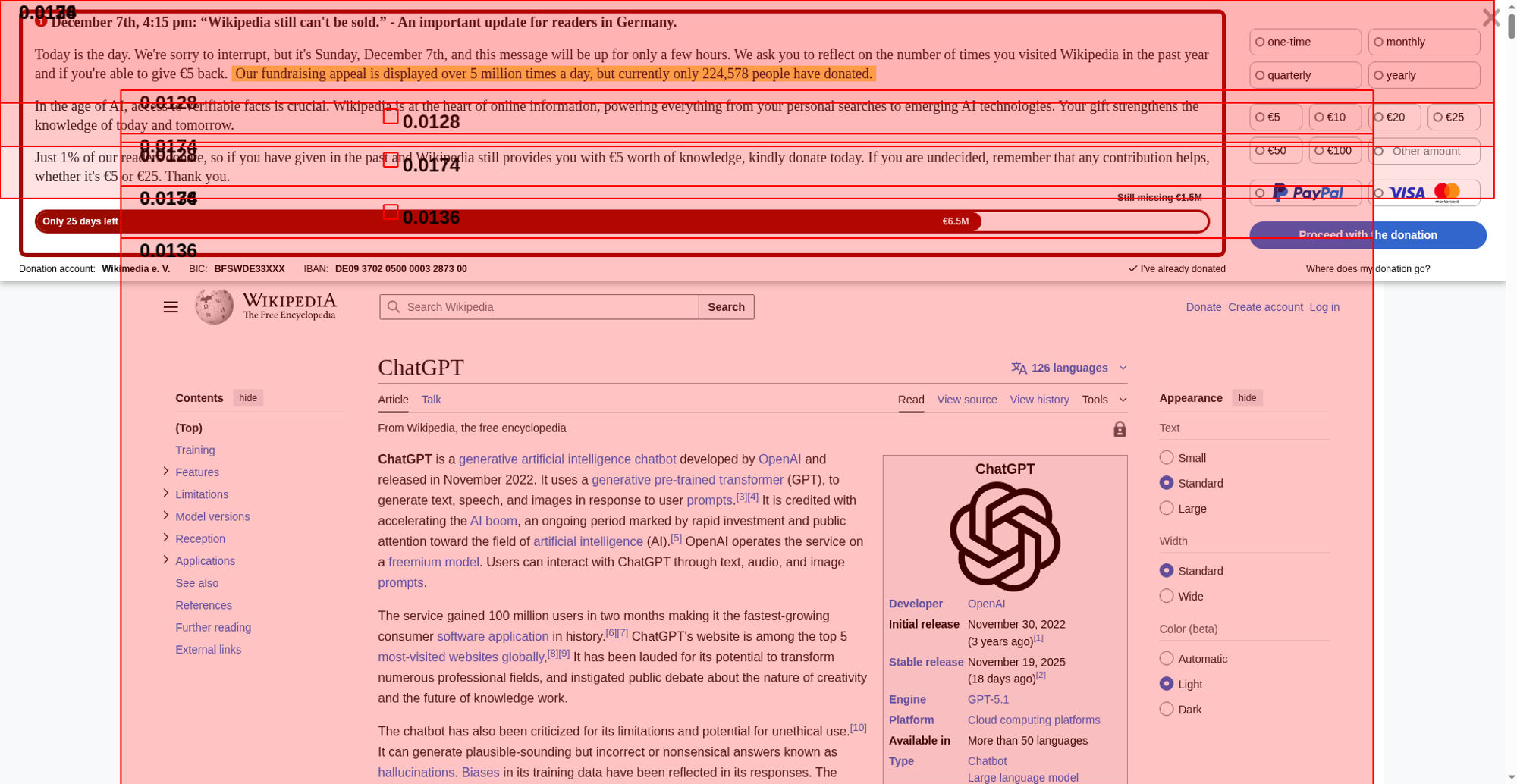
The elements that have shifted place is highlighted in the image (that have a higher value than 0.01). If the element shifted outside of the viewport, you will not see it there. It can be hard to understand what content that has shifted, if that's the case, checkout the video or the filmstrip of the run.
Interaction to Next Paint (INP) is a metric that try to measure responsiveness. It's useful if you are testing user journeys. Read more about Interaction to Next Paint.
The measured latency was 552 ms.
| Event type | pointerover |
| Element type | P |
| Element class name | |
| Event target | #mw-content-text>div.mw-content-ltr.mw-parser-output>p |
| Load state when the event happened | loading |
Read more about the Long Animation Frames API here here.
The top 10 longest animation frames entries
| Blocking duration | Work duration | Render duration | PreLayout Duration | Style And Layout Duration |
|---|---|---|---|---|
| 244.1 ms | 290.2 ms | 4 ms | 2.8 ms | 1.2 ms |
| https://en.wikipedia.org/w/load.php?lang=en&modules=startup&only=scripts&raw=1&skin=vector-2022 | ||||
Forced Style And Layout Duration: 204 ms Invoker: IdleRequestCallback | ||||
| Blocking duration | Work duration | Render duration | PreLayout Duration | Style And Layout Duration |
|---|---|---|---|---|
| 168.4 ms | 457.3 ms | 0.1 ms | 0.1 ms | 0 ms |
| No availible script information. | ||||
| Blocking duration | Work duration | Render duration | PreLayout Duration | Style And Layout Duration |
|---|---|---|---|---|
| 104.8 ms | 153.1 ms | 1.9 ms | 1.8 ms | 0.1 ms |
Forced Style And Layout Duration: 149 ms Invoker: TimerHandler:setTimeout | ||||
| Blocking duration | Work duration | Render duration | PreLayout Duration | Style And Layout Duration |
|---|---|---|---|---|
| 8.4 ms | 40.4 ms | 20.7 ms | 14.3 ms | 6.4 ms |
| https://en.wikipedia.org/w/load.php?lang=en&modules=startup&only=scripts&raw=1&skin=vector-2022 | ||||
Invoker: IdleRequestCallback | ||||
| https://en.wikipedia.org/w/load.php?lang=en&modules=startup&only=scripts&raw=1&skin=vector-2022 | ||||
Invoker: FrameRequestCallback | ||||
| Blocking duration | Work duration | Render duration | PreLayout Duration | Style And Layout Duration |
|---|---|---|---|---|
| 0.66 ms | 4.5 ms | 48.8 ms | 7.6 ms | 41.2 ms |
| https://en.wikipedia.org/w/load.php?lang=en&modules=startup&only=scripts&raw=1&skin=vector-2022 | ||||
Invoker: FrameRequestCallback | ||||
| name | duration | description |
|---|---|---|
| cache | 0 | hit-front |
| host | 0 | cp3070 |
There are no custom configured scripts.
There are no custom extra metrics from scripting.
| Name | Display Time | X | Y | Width | Height |
|---|---|---|---|---|---|
| LargestImage (250px-OpenAI_logo_2025_%28symbol%29.svg.png) | 10.833 s | 1201 | 609 | 140 | 139 |
| <img src="//upload.wikimedia.org/wikipedia/commons/thumb/6/66/OpenAI_logo_2025_%28symbol%29.svg/250px-OpenAI_logo_2025_%28symbol%29.svg.png" decoding="async" width="140" height="139" class="mw-file-element" srcset="//upload.wikimedia.org/wikipedia/commons/thumb/6/66/OpenAI_logo_2025_%28symbol%29.svg/330px-OpenAI_logo_2025_%28symbol%29.svg.png 2x" data-file-width="512" data-file-height="507"> | |||||
| Heading | 10.833 s | 478 | 445 | 789 | 40 |
| <h1 id="firstHeading" class="firstHeading mw-first-heading"></h1> | |||||
How the page is built.
| Summary | |
|---|---|
| HTTP version | HTTP/2.0 |
| Total requests | 58 |
| Total domains | 4 |
| Total transfer size | 871.1 KB |
| Total content size | 2.6 MB |
| Responses missing compression | 15 |
| Number of cookies | 31 |
| Third party cookies | 0 |
| Requests per response code | |
|---|---|
| 200 | 56 |
| 204 | 1 |
| 302 | 1 |
| Content | Header Size | Transfer Size | Content Size | Requests |
|---|---|---|---|---|
| html | 0 b | 129.9 KB | 732.2 KB | 1 |
| css | 0 b | 26.2 KB | 186.5 KB | 2 |
| javascript | 0 b | 404.1 KB | 1.5 MB | 9 |
| image | 0 b | 276.3 KB | 253.1 KB | 21 |
| svg | 0 b | 30.0 KB | 23.6 KB | 21 |
| plain | 0 b | 611 B | 0 b | 1 |
| favicon | 0 b | 1.8 KB | 2.7 KB | 1 |
| json | 0 b | 2.2 KB | 2.2 KB | 1 |
| Total | 0 b | 871.1 KB | 2.6 MB | 57 |
| Domain | Total download time | Transfer Size | Content Size | Requests |
|---|---|---|---|---|
| en.wikipedia.org | 5.881 s | 546.1 KB | 2.2 MB | 33 |
| upload.wikimedia.org | 16.533 s | 267.0 KB | 243.0 KB | 23 |
| meta.wikimedia.org | 163 ms | 56.6 KB | 220.3 KB | 1 |
| auth.wikimedia.org | 340 ms | 1.4 KB | 254 B | 1 |
| type | min | median | max |
|---|---|---|---|
| Expires | 0 seconds | 5 minutes | 1 year |
| Last modified | 2 minutes | 19 weeks | 9 years |
Included requests done after load event end.
| Content | Transfer Size | Requests |
|---|---|---|
| html | 0 b | 0 |
| css | 0 b | 0 |
| javascript | 0 b | 0 |
| image | 0 b | 0 |
| font | 0 b | 0 |
| favicon | 1.8 KB | 1 |
| json | 2.2 KB | 1 |
| Total | 4.0 KB | 2 |
Includes requests done after DOM content loaded.
| Content | Transfer Size | Requests |
|---|---|---|
| html | 0 b | 0 |
| css | 0 b | 0 |
| javascript | 382.9 KB | 8 |
| image | 0 b | 0 |
| font | 0 b | 0 |
| svg | 11.3 KB | 10 |
| plain | 611 B | 1 |
| favicon | 1.8 KB | 1 |
| json | 2.2 KB | 1 |
| Total | 398.8 KB | 22 |
Render blocking information directly from Chrome.
| Blocking | In body parser blocking | Potentially blocking |
|---|---|---|
| 2 | 0 | 1 |
| URL | Type |
|---|---|
| https://en.wikipedia...ia.org/w/load.php | non_blocking |
| https://en.wikipedia...ia.org/w/load.php | non_blocking |
| https://meta.wikimed...a.org/w/index.php | non_blocking |
| https://en.wikipedia...ia.org/w/load.php | non_blocking |
| https://en.wikipedia...ia.org/w/load.php | blocking |
| https://en.wikipedia...ia.org/w/load.php | potentially_blocking |
| https://en.wikipedia...ia.org/w/load.php | non_blocking |
| https://en.wikipedia...ia.org/w/load.php | non_blocking |
| https://en.wikipedia...ia.org/w/load.php | blocking |
| https://en.wikipedia...ia.org/w/load.php | non_blocking |
| https://auth.wikimed...gin/checkLoggedIn | non_blocking |
| https://en.wikipedia...alAutoLogin/start | non_blocking |
Download the Chrome trace log and drag and drop it into Developer Tools / Performance in Chrome.
Collected using the Long Task API. A long task is a task that take 50 milliseconds or more.
| Type | Quantity | Total duration (ms) |
|---|---|---|
| Total Blocking Time | 376 | |
| Max Potential First Input Delay | 290 | |
| Long Tasks before First Paint | 1 | 231 |
| Long Tasks before First Contentful Paint | 1 | 231 |
| Long Tasks before Largest Contentful Paint | 1 | 231 |
| Long Tasks after Load Event End | 2 | 443 |
| Total Long Tasks | 6 | 857 |
CPU last long task happened at 9.632 s
| name | startTime | duration | containerId | containerName | containerSrc | containerType |
|---|---|---|---|---|---|---|
| unknown | 760 | 231 | window | |||
| self | 1476 | 67 | window | |||
| self | 1556 | 66 | window | |||
| self | 1758 | 50 | window | |||
| self | 1999 | 290 | window | |||
| self | 9632 | 153 | window |
Calculated using Tracium.
| Categories (ms) | |
|---|---|
| parseHTML | 51 |
| styleLayout | 861 |
| paintCompositeRender | 226 |
| scriptParseCompile | 7 |
| scriptEvaluation | 360 |
| garbageCollection | 7 |
| other | 718 |
| Events (ms) | |
|---|---|
| UpdateLayoutTree | 570 |
| PrePaint | 323 |
| FunctionCall | 298 |
| Layout | 290 |
| RunTask | 248 |
| Paint | 151 |
| Layerize | 85 |
| ParseHTML | 48 |
| HitTest | 37 |
| PaintImage | 29 |
| RunMicrotasks | 19 |
| Commit | 18 |
| v8.run | 16 |
| V8.HandleInterrupts | 15 |
| IntersectionObserverController::computeIntersections | 11 |
| CpuProfiler::StartProfiling | 10 |