Tested 2026-06-23 23:15:37 using Firefox 151.0.3 (script).(runtime settings)
Test visiting multiple pagesFirst hit the portal page with an empty browser cache and then visit Main_Page
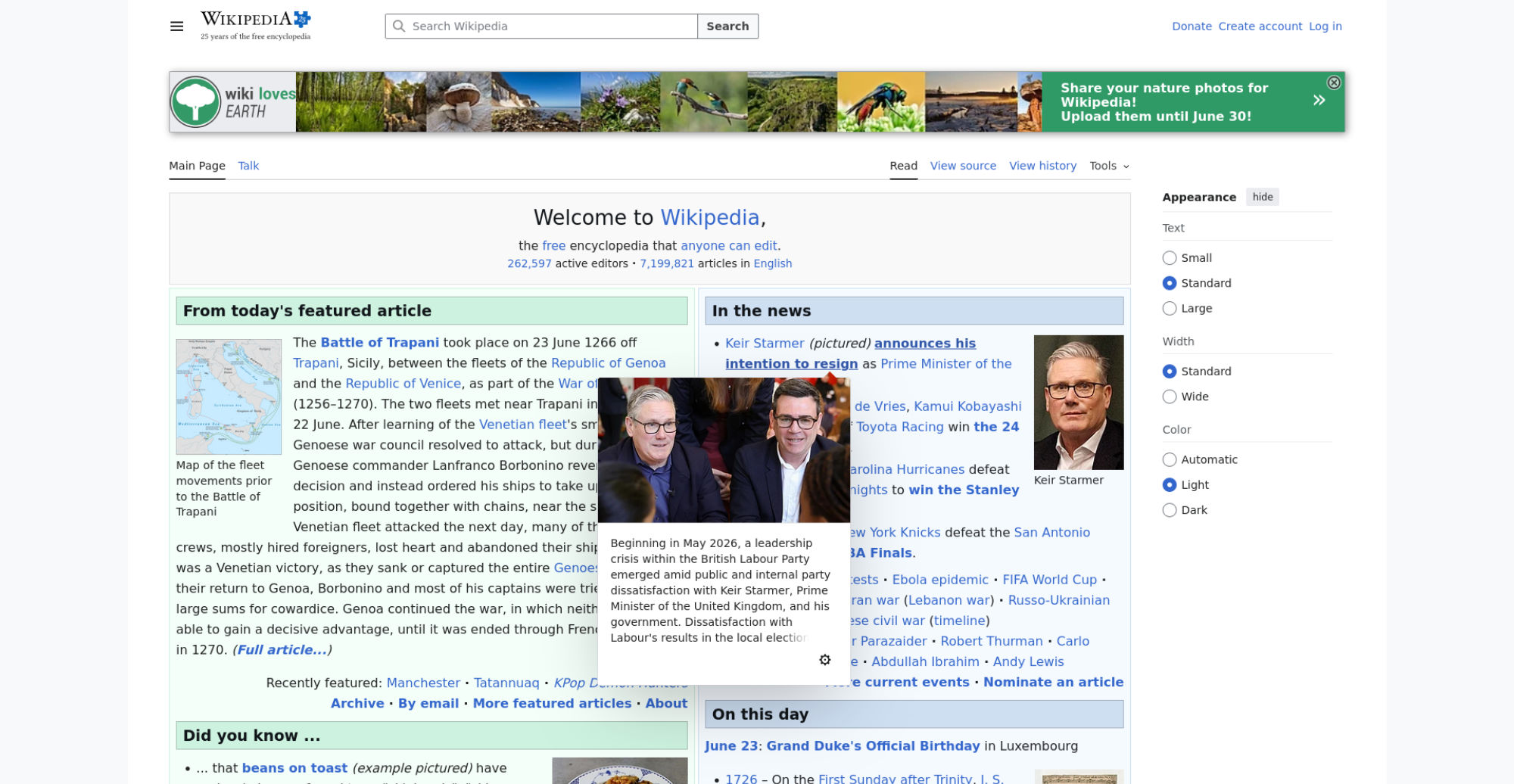
| Metric | min | median | mean | max |
|---|---|---|---|---|
| Visual Metrics | ||||
| FirstVisualChange | 400 ms | 433 ms | 420 ms | 433 ms |
| LastVisualChange | 2.366 s | 2.633 s | 2.693 s | 3.200 s |
| SpeedIndex | 624 ms | 694 ms | 698 ms | 792 ms |
| LargestImage | 2.033 s | 2.600 s | 2.620 s | 3.200 s |
| Heading | 1.233 s | 1.500 s | 1.420 s | 1.633 s |
| LargestContentfulPaint | 1.400 s | 2.333 s | 2.173 s | 2.933 s |
| LastMeaningfulPaint | 2.033 s | 2.600 s | 2.620 s | 3.200 s |
| VisualReadiness | 1.933 s | 2.233 s | 2.273 s | 2.767 s |
| VisualComplete85 | 966 ms | 1.000 s | 1.026 s | 1.133 s |
| VisualComplete95 | 1.900 s | 2.333 s | 2.373 s | 2.933 s |
| VisualComplete99 | 2.033 s | 2.600 s | 2.620 s | 3.200 s |
| Google Web Vitals | ||||
| Time To First Byte (TTFB) | 111 ms | 112 ms | 112 ms | 113 ms |
| Largest Contentful Paint (LCP) | 1.390 s | 2.305 s | 2.153 s | 2.916 s |
| More metrics | ||||
| firstPaint | 374 ms | 378 ms | 380 ms | 395 ms |
| loadEventEnd | 1.387 s | 2.589 s | 2.355 s | 3.167 s |
| User Timing | ||||
| mwStartup | 364 ms | 371 ms | 373 ms | 389 ms |
| mwCentralNoticeBanner | 1.170 s | 1.426 s | 1.374 s | 1.594 s |
Run 3 SpeedIndex median
Use --filmstrip.showAll to show all filmstrips.
 0 s
0 s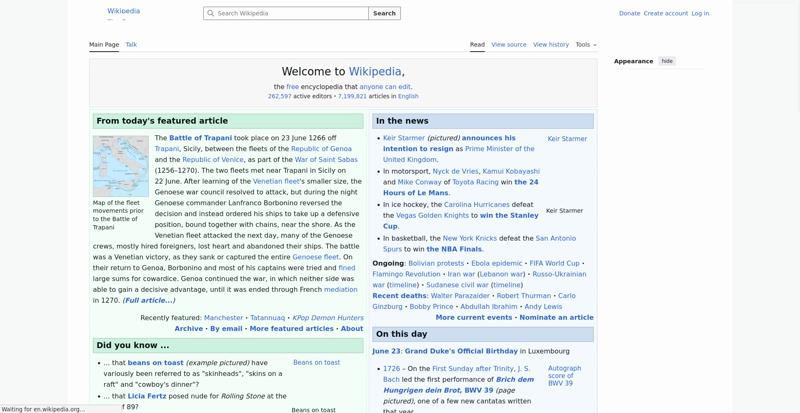 0.4 sDOM Content Loaded Time 369 msmwStartup 372 msFirst Contentful Paint 379 msFirst Visual Change 400 ms
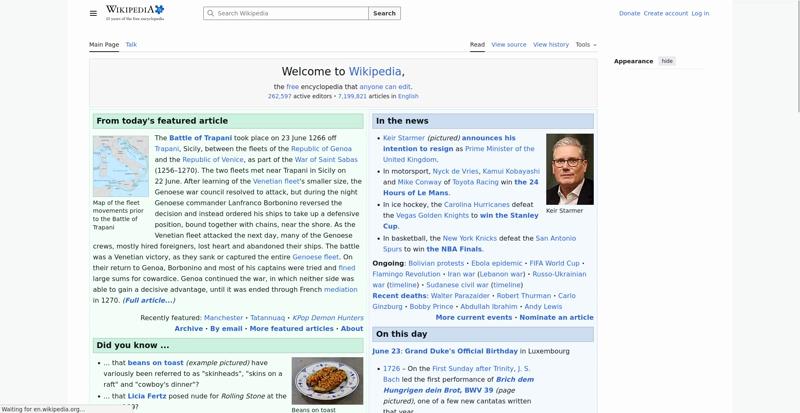 0.5 s
0.5 s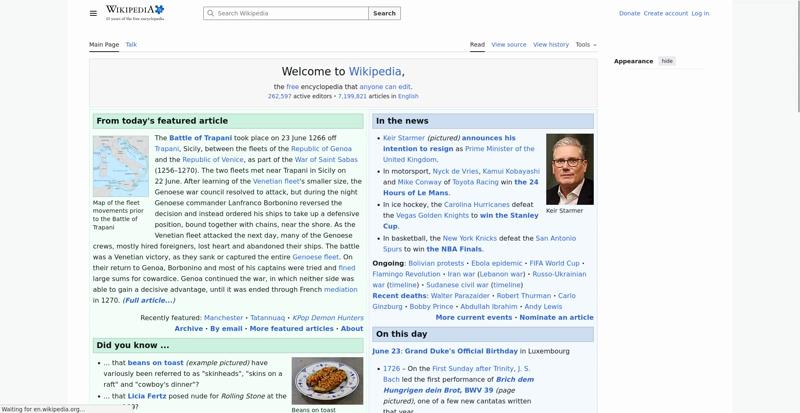 0.6 s
0.6 s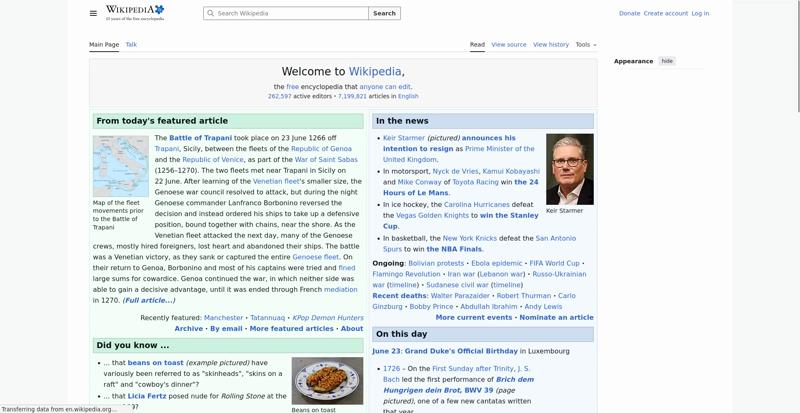 0.7 s
0.7 s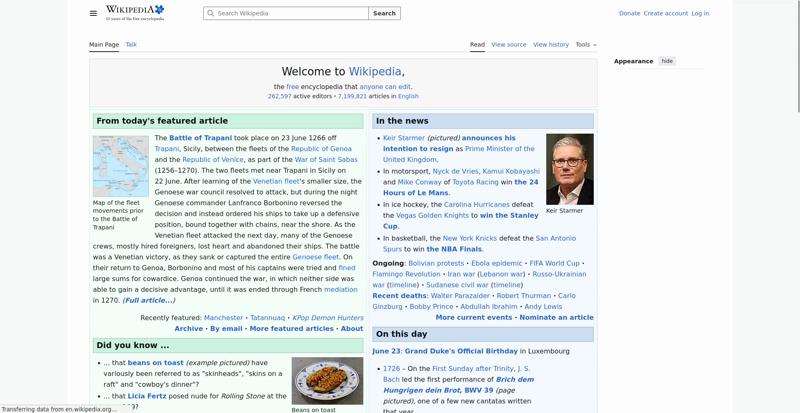 0.8 s
0.8 s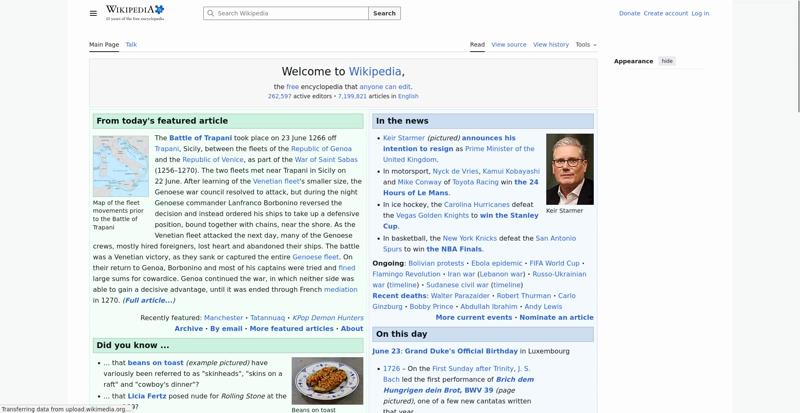 0.9 s
0.9 s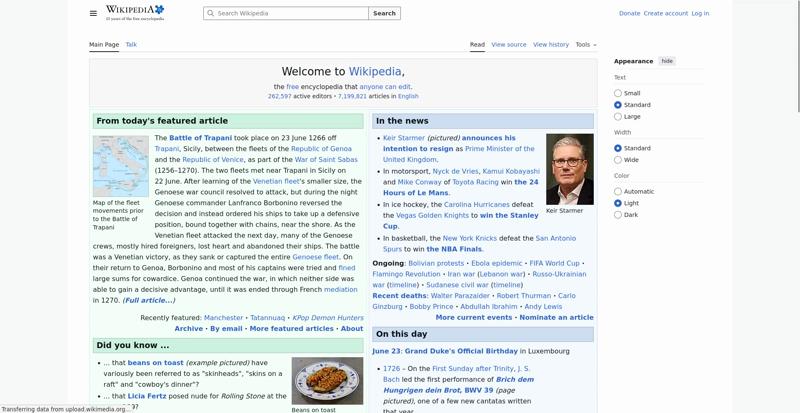 1 sVisual Complete 85% 966 ms
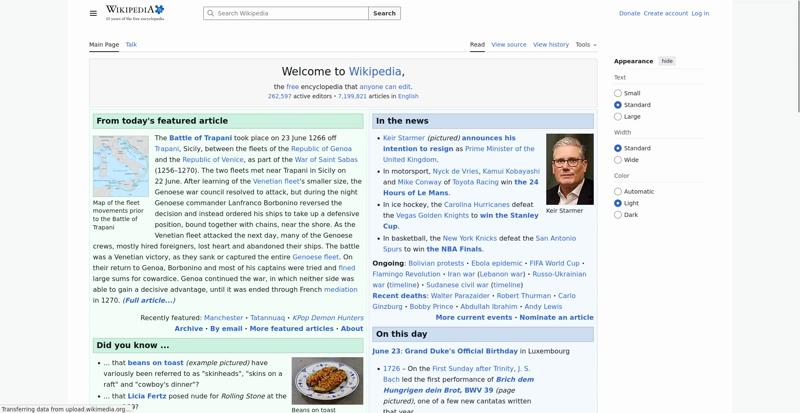 1.1 s
1.1 s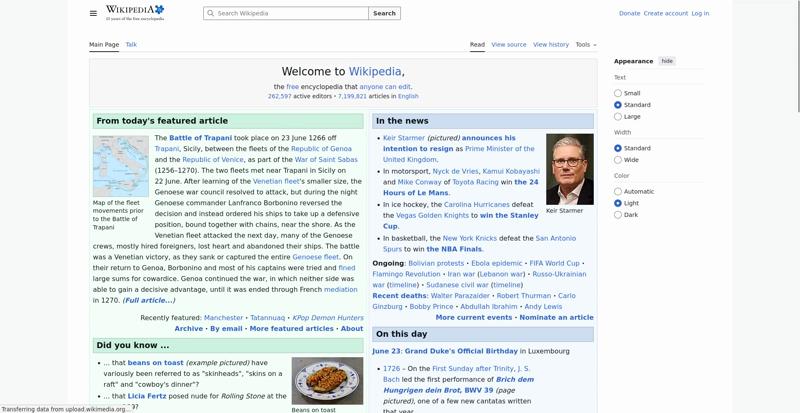 1.2 s
1.2 s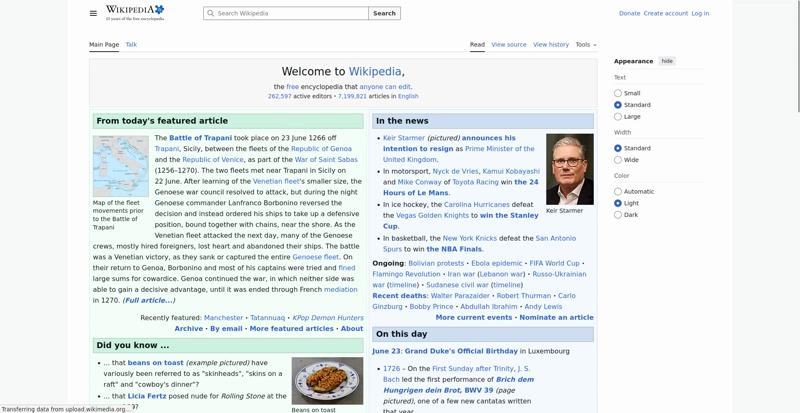 1.3 s
1.3 s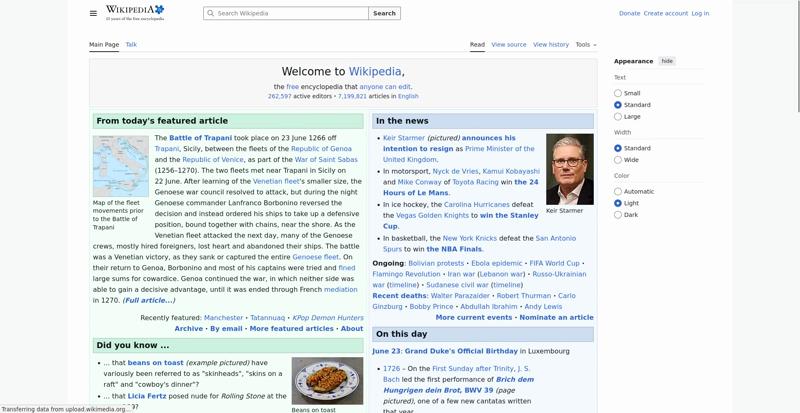 1.4 s
1.4 s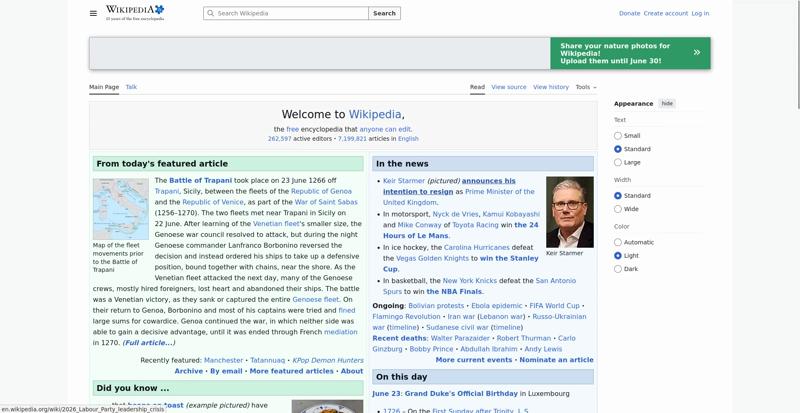 1.5 smwCentralNoticeBanner 1.426 sHeading 1.500 s
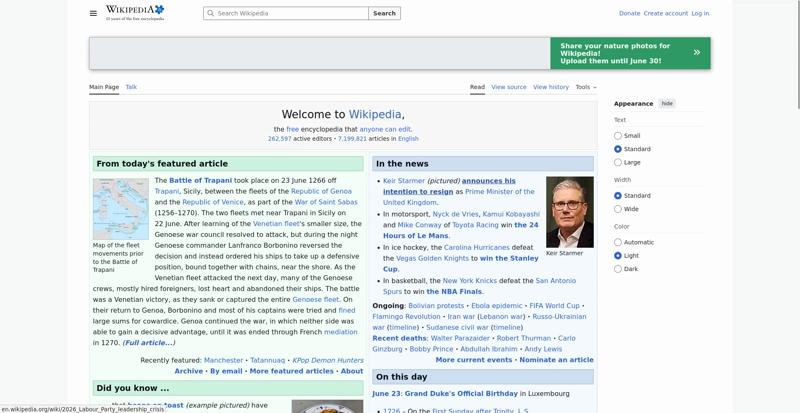 1.6 s
1.6 s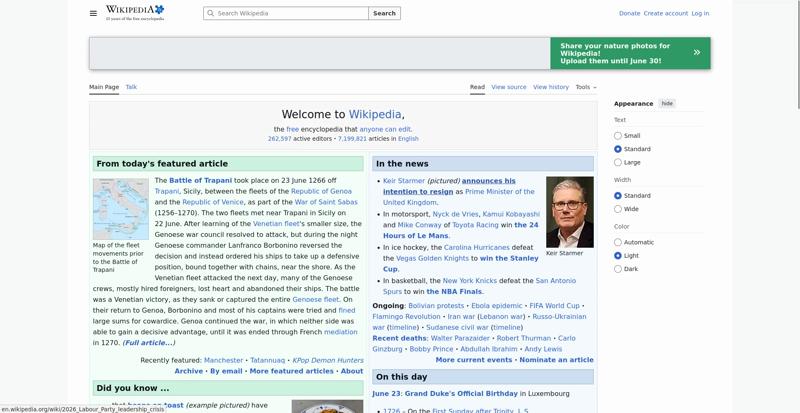 1.7 s
1.7 s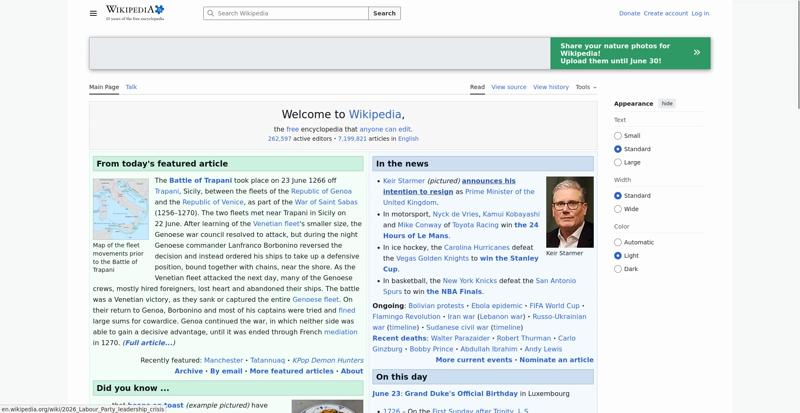 1.8 s
1.8 s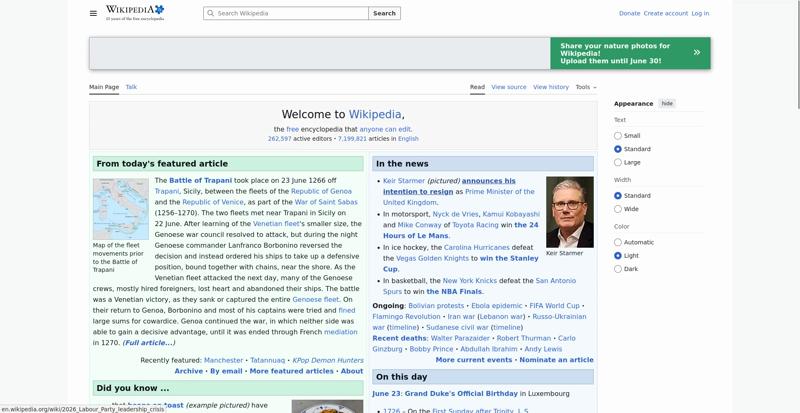 1.9 s
1.9 s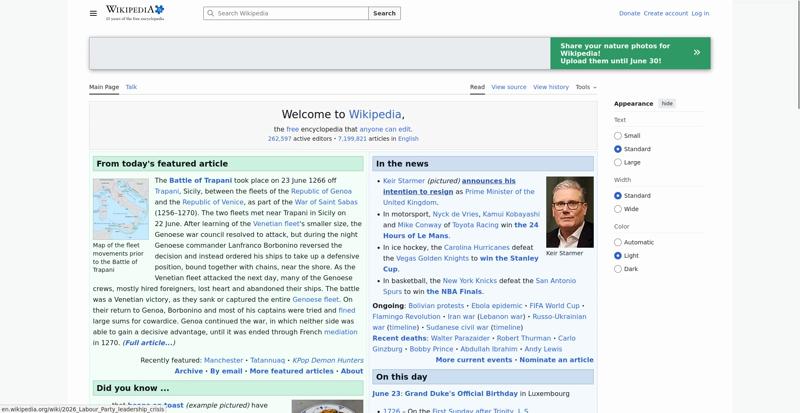 2 s
2 s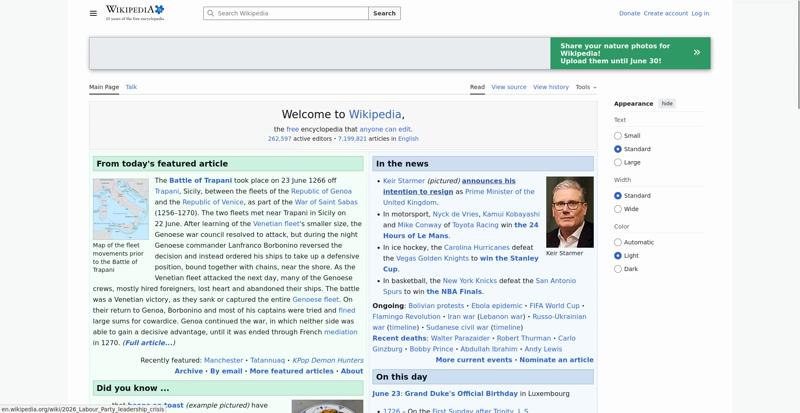 2.1 s
2.1 s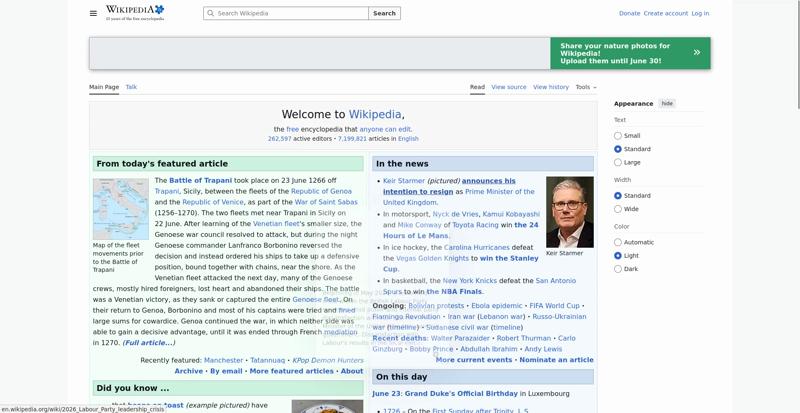 2.2 s
2.2 s 2.3 s
2.3 s 2.4 sLCP <DIV> 2.357 sVisual Complete 95% 2.400 s
 2.5 s
2.5 s 2.6 sPage Load Time 2.589 sVisual Complete 99% 2.600 sLargest Image 2.600 s
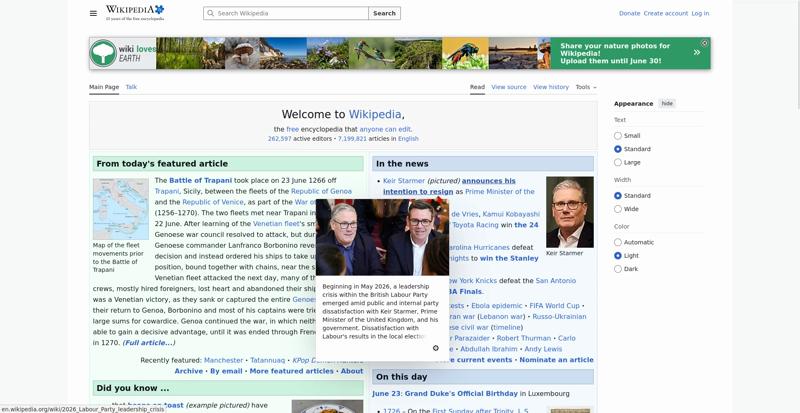 2.7 sLast Visual Change 2.633 s
The coach helps you find performance problems on your web page using web performance best practice rules. And gives you advice on privacy and best practices. Tested using Coach-core version 9.2.1.
modernImageFormatsThe page ships 19 images (out of 19) in JPEG/PNG/GIF without a modern alternative. Wrap them in a <picture> with a <source type="image/avif"> or "image/webp" before the legacy <img>, or serve modern formats from your image pipeline directly. AVIF and WebP usually deliver 25–50% smaller files at the same quality.
AVIF and WebP routinely deliver 25–50% smaller files than JPEG and PNG at the same perceived quality, and every browser version still under support understands at least one of them. Ship modern formats either through a <picture> element with <source type="image/avif"> / "image/webp" entries in front of the legacy <img>, or directly from a content-negotiating image pipeline that returns AVIF / WebP when the client accepts it. https://web.dev/articles/serve-images-webp
cacheHeadersThe page has 24 requests that are missing a cache time. Configure a cache time so the browser doesn't need to download them every time. It will save 801.1 kB the next access.
The easiest way to make your page fast is to avoid doing requests to the server. Setting a cache header on your server response will tell the browser that it doesn't need to download the asset again during the configured cache time! Always try to set a cache time if the content doesn't change for every request.
lazyLoadingImagesThe page has 12 below-the-fold images without loading="lazy". Add loading="lazy" so the browser defers downloading and decoding them until the user scrolls them into view.
Adding loading="lazy" to an <img> tells the browser not to download or decode it until it is close to the viewport. For images that the user may never see (deep in the page, behind a tab, in a footer carousel), this saves bandwidth and main-thread time during initial render. The LCP image and any image in the initial viewport should NOT be lazy-loaded — that delays the first paint. https://developer.mozilla.org/en-US/docs/Web/HTML/Element/img#loading
javascriptSizeThe total JavaScript transfer size is 285.5 kB. This is quite large.
A lot of JavaScript often means you are downloading more than you need. How complex is the page and what can the user do on the page? Do you use multiple JavaScript frameworks?
avoidScalingImagesThe page has 4 images that are scaled more than 100 pixels. It would be better if those images are sent so the browser don't need to scale them.
It's easy to scale images in the browser and make sure they look good in different devices, however that is bad for performance! Scaling images in the browser takes extra CPU time and will hurt performance on mobile. And the user will download extra kilobytes (sometimes megabytes) of data that could be avoided. Don't do that, make sure you create multiple version of the same image server-side and serve the appropriate one.
decodingAsyncThe page has 7 images (out of 24) without a decoding hint. Add decoding="async" to non-critical images so the browser can decode them off the main thread.
Setting decoding="async" on an <img> tells the browser it can decode the image off the main thread, which keeps the page responsive to user interactions while images are being processed. The default ("auto") leaves the choice to the browser. https://developer.mozilla.org/en-US/docs/Web/HTML/Element/img#decoding
cacheHeadersLongThe page has 11 requests that have a shorter cache time than one year (but still a cache time).
Setting a cache header is good. Setting a long cache header (a year) is even better because the asset will stay in the browser cache across visits. For content-hashed URLs (e.g. app.4af2.css) you can safely use Cache-Control: max-age=31536000, immutable. For unversioned URLs that may change, use a revalidating strategy instead.
assetsRedirectsThe page has 1 redirect. 1 of the redirects are from the base domain, please fix them!
A redirect is one extra step for the user to download the asset. Avoid that if you want to be fast. Redirects are even more of a showstopper on mobile.
privateAssetsThe page has 2 requests with private headers. The main page has a private header. It could be right in some cases where the user can be logged in and served specific content. But if your asset is static it should never be private. Make sure that the assets really should be private and only used by one user. Otherwise, make it cacheable for everyone.
If you set private headers on content, that means that the content are specific for that user. Static content should be able to be cached and used by everyone. Avoid setting the cache header to private.
avoidRenderBlockingThe style https://en.wikipedia.org/w/load.php?lang=en&modules=ext.uls.interlanguage%7Cext.visualEditor.desktopArticleTarget.noscript%7Cext.wikimediamessages.styles%7Cmediawiki.skins.legacy%7Cskins.vector.icons%2Cstyles%7Cskins.vector.search.codex.styles%7Cwikibase.client.init&only=styles&skin=vector-2022 is larger than the magic number TCP window size 14.5 kB. Make the file smaller and the page will render faster. The page has 1 render blocking CSS request and 0 blocking JavaScript request inside of head.
The critical rendering path is what the browser needs to do to start rendering the page. Every file requested inside of the head element will postpone the rendering of the page, because the browser need to do the request. Avoid loading JavaScript synchronously inside of the head (you should not need JavaScript to render the page), request files from the same domain as the main document (to avoid DNS lookups) and inline CSS for really fast rendering and a short rendering path.
inlineCssThe page has both inline CSS and CSS requests even though it uses a HTTP/2-ish connection. If you have many users on slow connections, it can be better to only inline the CSS. Run your own tests and check the waterfall graph to see what happens.
In the early days of the Internet, inlining CSS was one of the ugliest things you can do. That has changed if you want your page to start rendering fast for your user. Always inline the critical CSS when you use HTTP/1 and HTTP/2 (avoid doing CSS requests that block rendering) and lazy load and cache the rest of the CSS. It is a little more complicated when using HTTP/2. Does your server support HTTP push? Then maybe that can help. Do you have a lot of users on a slow connection and are serving large chunks of HTML? Then it could be better to use the inline technique, becasue some servers always prioritize HTML content over CSS so the user needs to download the HTML first, before the CSS is downloaded.
cumulativeLayoutShiftLayout Shift is not supported in this browser
Cumulative Layout Shift measures the sum total of all individual layout shift scores for unexpected layout shift that occur. The metric is measuring visual stability by quantify how often users experience unexpected layout shifts. It is one of Google Web Vitals.
metaDescriptionThe page is missing a meta description.
Use a page description to make the page more relevant to search engines.
unnecessaryHeadersThere are 15 responses that sets both a max-age and expires header. There are 42 responses that sets a server header.
Do not send headers that you don't need. We look for p3p, cache-control and max-age, pragma, server and x-frame-options headers. Have a look at Andrew Betts - Headers for Hackers talk as a guide https://www.youtube.com/watch?v=k92ZbrY815c or read https://www.fastly.com/blog/headers-we-dont-want.
viewportThe viewport meta tag does not contain width=device-width, the browser may use a desktop-width fallback.
The viewport meta tag tells the browser how to lay out the page on small screens. Without it (or without width=device-width) the page is rendered at a desktop fallback width and scaled down, which makes text unreadable on mobile. Disabling zoom (user-scalable=no, maximum-scale<=1) is also an accessibility regression. https://developer.mozilla.org/en-US/docs/Web/HTML/Viewport_meta_tag
imageAltTextThe page has 1 image without an alt attribute. Add alt="..." with a description, or alt="" if the image is purely decorative.
Every <img> needs an alt attribute. Use alt="meaningful description" for content images so assistive technologies can announce them, or alt="" (or role="presentation" / aria-hidden="true") for purely decorative images so they are skipped. A missing alt attribute leaves screen reader users with no information at all. https://developer.mozilla.org/en-US/docs/Web/HTML/Element/img#alt
longHeadershttps://en.wikipedia.org/wiki/Main_Page has a header content-security-policy that is 4501 characters long. https://en.wikipedia...ia.org/w/load.php has a header sourcemap that is 1037 characters long.
Do not send response headers that are too long.
manyHeadershttps://en.wikipedia...leadership_crisis has 32 headers.
Avoid send too many response headers.
crossOriginEmbedderPolicyHeaderSet a Cross-Origin-Embedder-Policy header (typically require-corp or credentialless) on the document response to control cross-origin embedding.
Cross-Origin-Embedder-Policy (COEP) makes the page refuse to load cross-origin subresources unless they explicitly opt in via CORP or CORS. Together with Cross-Origin-Opener-Policy it puts the page in a cross-origin isolated context, which mitigates cross-window side-channel attacks (Spectre) and unlocks high-resolution timers and SharedArrayBuffer. https://developer.mozilla.org/en-US/docs/Web/HTTP/Headers/Cross-Origin-Embedder-Policy
crossOriginOpenerPolicyHeaderSet a Cross-Origin-Opener-Policy header (typically same-origin) on the document response to isolate the page from cross-origin windows.
Cross-Origin-Opener-Policy (COOP) lets a page sever its window-group ties to cross-origin documents that opened it or that it opens. Together with Cross-Origin-Embedder-Policy it puts the page in a cross-origin isolated context, which mitigates cross-window side-channel attacks (Spectre) and unlocks high-resolution timers and SharedArrayBuffer. https://developer.mozilla.org/en-US/docs/Web/HTTP/Headers/Cross-Origin-Opener-Policy
crossOriginResourcePolicyHeaderSet a Cross-Origin-Resource-Policy header (same-origin, same-site or cross-origin) on the document response to limit who may embed it.
Cross-Origin-Resource-Policy (CORP) is a per-response opt-in that tells the browser which origins are allowed to embed the resource. It blocks cross-origin or cross-site no-cors embedding (img, script, iframe, etc.) and is one of the building blocks of cross-origin isolation. https://developer.mozilla.org/en-US/docs/Web/HTTP/Headers/Cross-Origin-Resource-Policy
permissionsPolicyHeaderSet a Permissions-Policy header to control which browser features the page can use.
The Permissions-Policy response header (the successor to Feature-Policy) lets a site explicitly opt in or out of powerful browser features such as camera, microphone, geolocation, payment and clipboard. Setting a strict policy reduces the attack surface and limits what embedded third parties can do. https://developer.mozilla.org/en-US/docs/Web/HTTP/Headers/Permissions-Policy
referrerPolicyHeaderSet a referrer-policy header to make sure you do not leak user information.
Referrer Policy is a new header that allows a site to control how much information the browser includes with navigations away from a document and should be set by all sites. https://scotthelme.co.uk/a-new-security-header-referrer-policy/.
contentSecurityPolicyHeaderThe policy allows 'unsafe-inline', which lets the browser execute inline scripts and styles directly from the page. Move to nonces or hashes plus 'strict-dynamic' so that inline injection cannot run. The policy allows 'unsafe-eval', which lets the page call eval() and Function(). Almost no application needs this; remove it.
A Content-Security-Policy response header tells the browser which sources of script, style, and other content are allowed. The most effective form is a strict CSP using nonces or hashes together with strict-dynamic; the worst is a missing header, with unsafe-inline and unsafe-eval close behind. https://web.dev/articles/strict-csp
Data collected using
Coach-core version 9.2.1. With updated code from
Webappanalyzer 2026-05-04. Use
--browsertime.firefox.includeResponseBodies html or
--browsertime.chrome.includeResponseBodies html to help Wappalyzer find more information about technologies used.
Data from run 3
0.0s0.6s1.0s1.3s1.7s2.0s2.4s2.7sWhen the page main content is rendered, collected via the Largest Contentful Paint API. Read more about Largest Contentful Paint.
body > div:eq(2) > div > div:eq(0) > div#siteNotice > div#centralNotice > div > div#wlm-de > a > div:eq(1)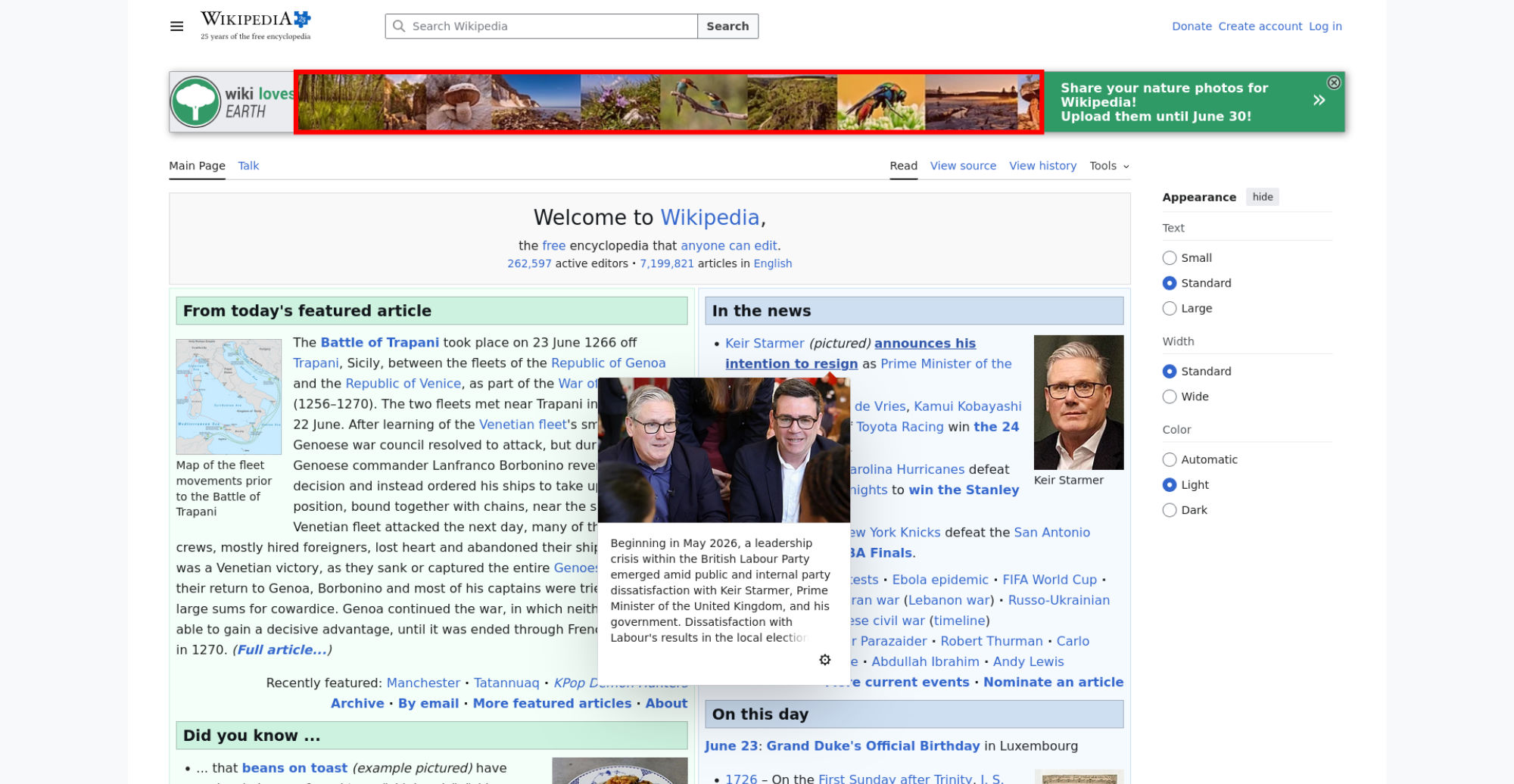
The LCP element is highlighted in the screenshot. If nothing is highlighted the element was removed before the screenshot or the LCP API couldn't find it.
The Largest Contentful Paint API matched this image:

| Name | Duration | Description |
|---|---|---|
cache | 0 ms | hit-front |
host | 0 ms | cp3070 |
There are no custom configured scripts.
There are no custom extra metrics from scripting.

How the page is built.
| Content | Header Size | Transfer Size | Content Size | Requests |
|---|---|---|---|---|
| html | 5.9 KB | 52.8 KB | 0 b | 1 |
| css | 2.2 KB | 26.8 KB | 0 b | 2 |
| javascript | 11.1 KB | 278.8 KB | 0 b | 8 |
| image | 40.7 KB | 772.3 KB | 0 b | 21 |
| favicon | 1.0 KB | 2.1 KB | 0 b | 1 |
| svg | 7.4 KB | 64.5 KB | 0 b | 6 |
| json | 1.7 KB | 2.6 KB | 0 b | 1 |
| plain | 1.0 KB | 1.0 KB | 0 b | 1 |
| Total | 71.0 KB | 1.2 MB | 0 b | 41 |
| Domain | Total download time | Transfer Size | Content Size | Requests |
|---|---|---|---|---|
| en.wikipedia.org | 4.118 s | 420.7 KB | 0 b | 19 |
| upload.wikimedia.org | 45.437 s | 776.7 KB | 0 b | 21 |
| meta.wikimedia.org | 241 ms | 2.9 KB | 0 b | 1 |
| auth.wikimedia.org | 899 ms | 1.6 KB | 0 b | 1 |
| type | min | median | max |
|---|---|---|---|
| Expires | 0 seconds | 0 seconds | 1 year |
| Last modified | 3 seconds | 3 weeks | 3 years |